Learners using New Concept English who want to connect reading, watching and listening practice.
Open the video for the lesson you are reading
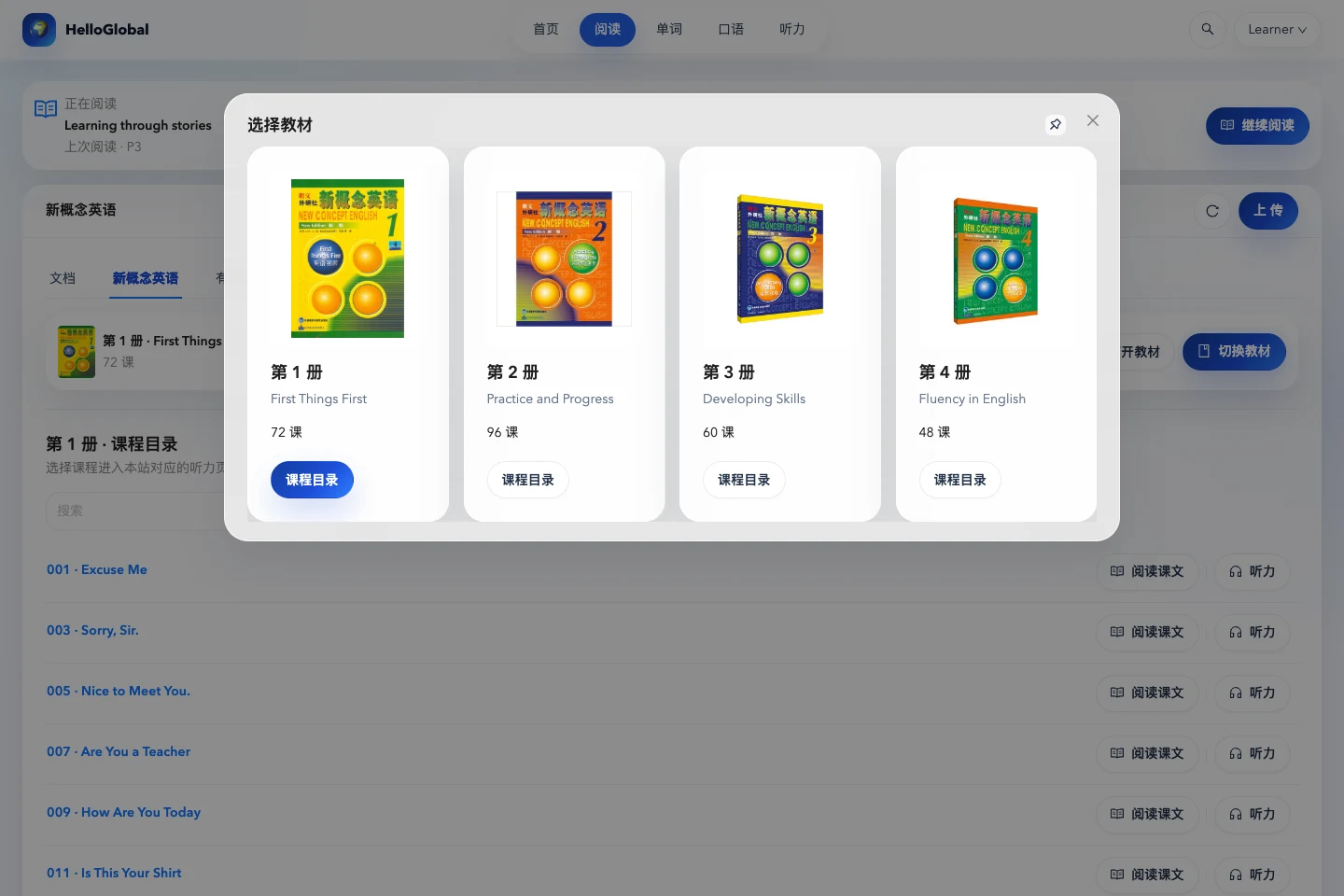
The four books now link to 276 videos: 72 in Book 1, 96 in Book 2, 60 in Book 3 and 48 in Book 4. Book 1 retains the original odd lesson numbers, so Lesson 3 is the second reading lesson. Matching follows the lesson identity rather than assuming that its printed number is its position in a list.
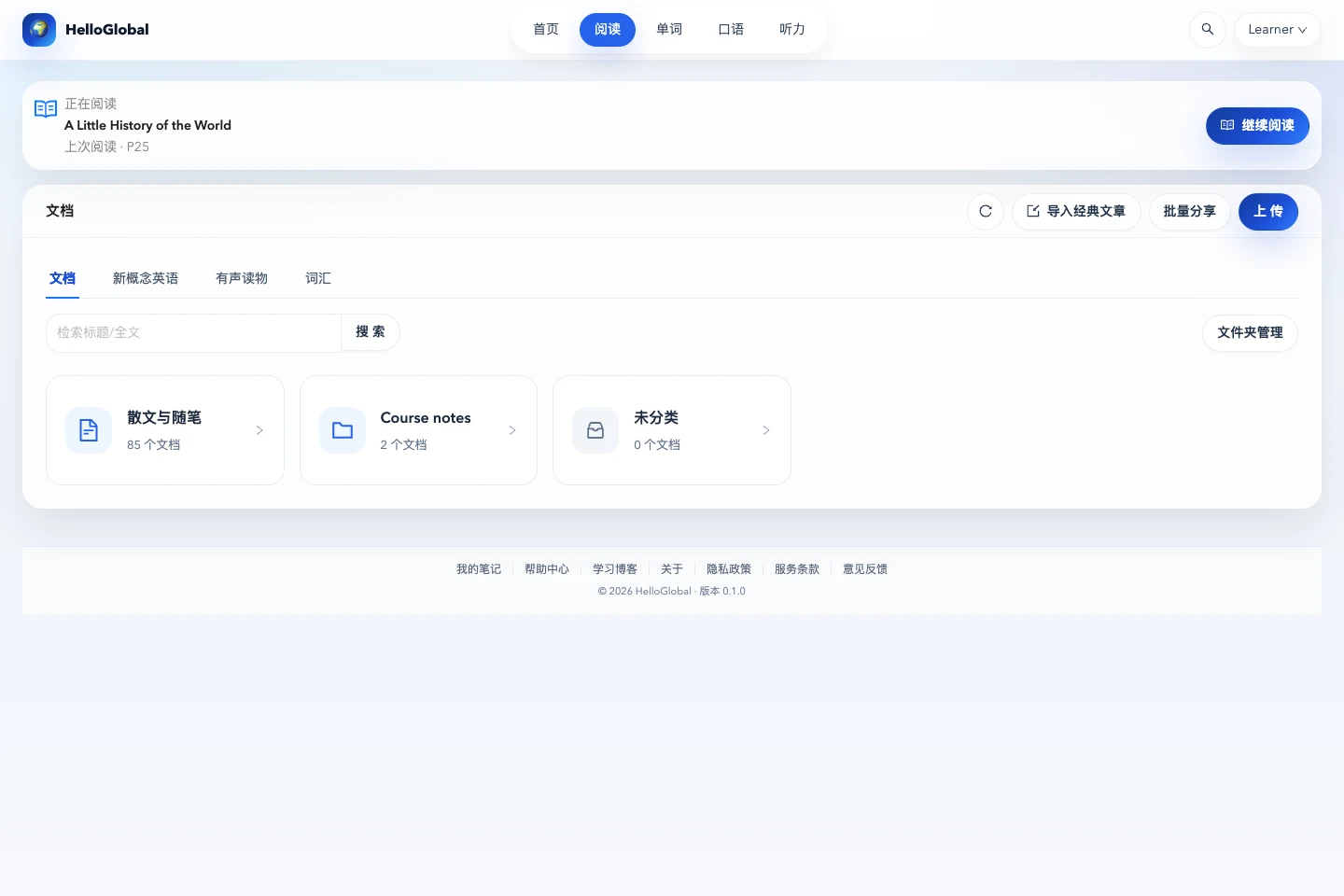
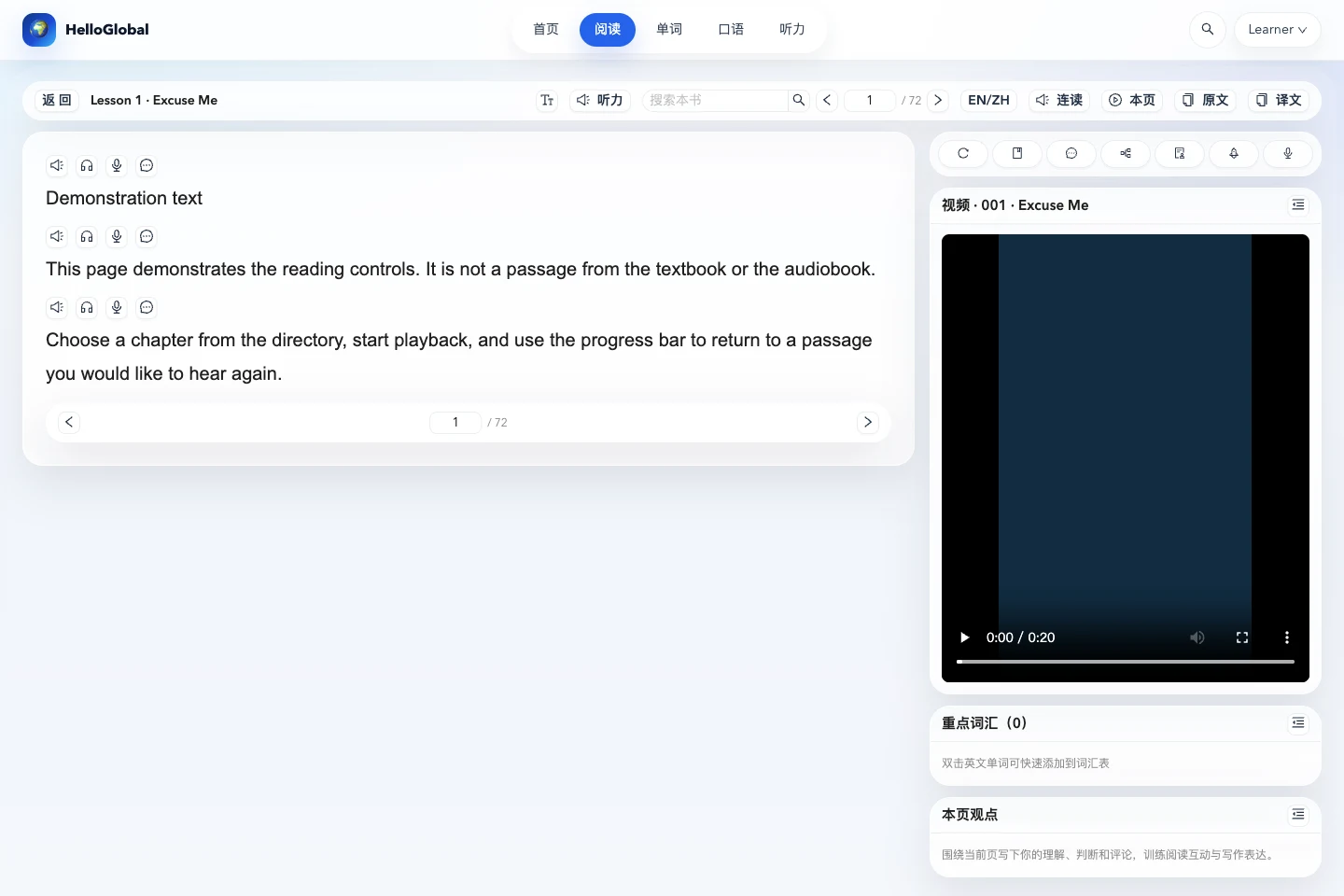
Open Reading, choose New Concept English, select a book and open a lesson. Each lesson occupies one page. Its video appears at the upper right, and selecting another lesson loads that lesson’s video without a separate search.
Control the video and keep the original listening exercises
Use the video’s own controls to play, pause, seek or enter fullscreen. Collapse the panel when you want more space for reading. These lessons are short and already fit on one reading page, so video playback does not turn pages automatically. Changing lessons stops the previous video and leaves the next one ready for you to start.
Video and reading narration pause each other to prevent overlapping sound. The Listen entry still opens the original audio lesson with its subtitles, dictation and speaking practice. Existing textbook copies need no reimport: refresh the site and open a lesson.
Frequently asked questions
Have the listening lessons become video lessons?
No. Listening keeps its original recordings and subtitles; these videos appear only in Reading.
Does the video automatically open the next lesson?
No. Choose the next lesson when you are ready.