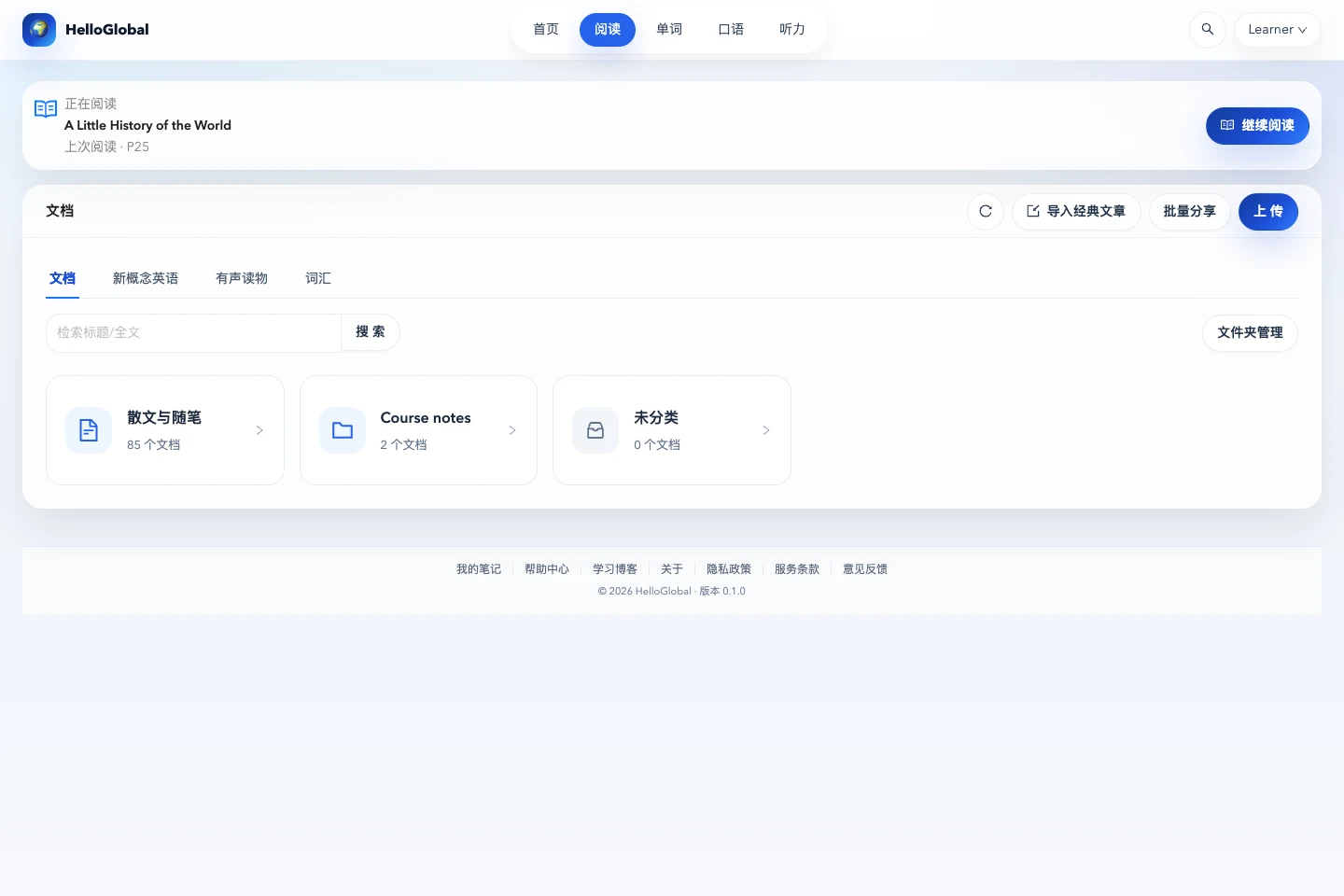
English learners who read alongside recordings or need several sessions to finish a chapter.
Choose a book and enter through its chapter directory
The audiobook shelf organizes The Little Prince, A Little History of Economics, A Little History of the World, A Little History of Science, Atomic Habits, Who Moved My Cheese?, The Wealth of Nations and Journey to the West as separate books with separate progress. The Little Prince has 27 chapters, and each Little History title has 40.
The first seven use their original PDFs, retaining covers, contents and page layouts. Journey to the West keeps its existing 108 chapter texts. Choose a chapter title to open its reading location. Reader page numbers may differ from the numbers printed inside a book.
Added on November 9: The Art of War joins the shelf using the existing 13 English listening texts and recordings. It presents one listening chapter per reading page rather than claiming to supply an original PDF, and the original listening lessons remain available.

Use continuous playback, resume and chapter playback deliberately
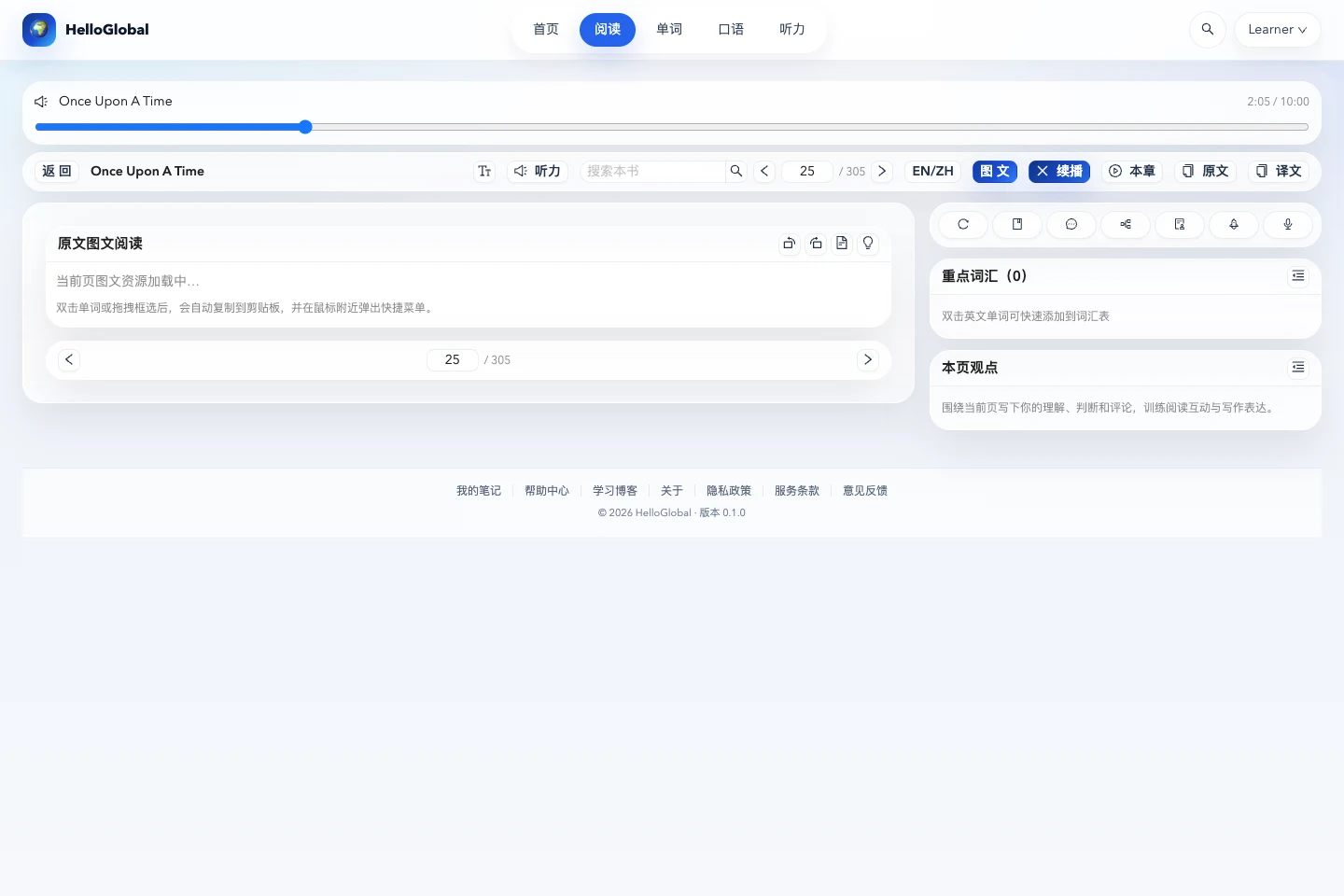
After continuous playback has started, its stopping position is saved and the control offers Resume. Resume continues from that audio time. This chapter starts the current chapter from the beginning and stops at its end. While either mode plays, an audio progress bar appears above the toolbar; drag it to seek, and stop playback to close it.
Turning PDF pages manually during continuous playback keeps the recording playing rather than restarting it. Later chapters follow when the current recording ends. The association is at chapter level, not exact sentence-by-sentence or page-by-page synchronization. Audio bookmarks are stored in the current browser, so do not assume they follow you to another device.
Frequently asked questions
Does chapter playback replace my continuous-playback bookmark?
No. Chapter playback starts at the current chapter’s beginning and preserves the separate continuous-playback bookmark.
Why does a page turn not change the recording?
A chapter can span several pages. Continuous playback keeps the current recording; chapter mapping does not mean one recording per page.