Learners who move between modules or read the same book over several sessions.
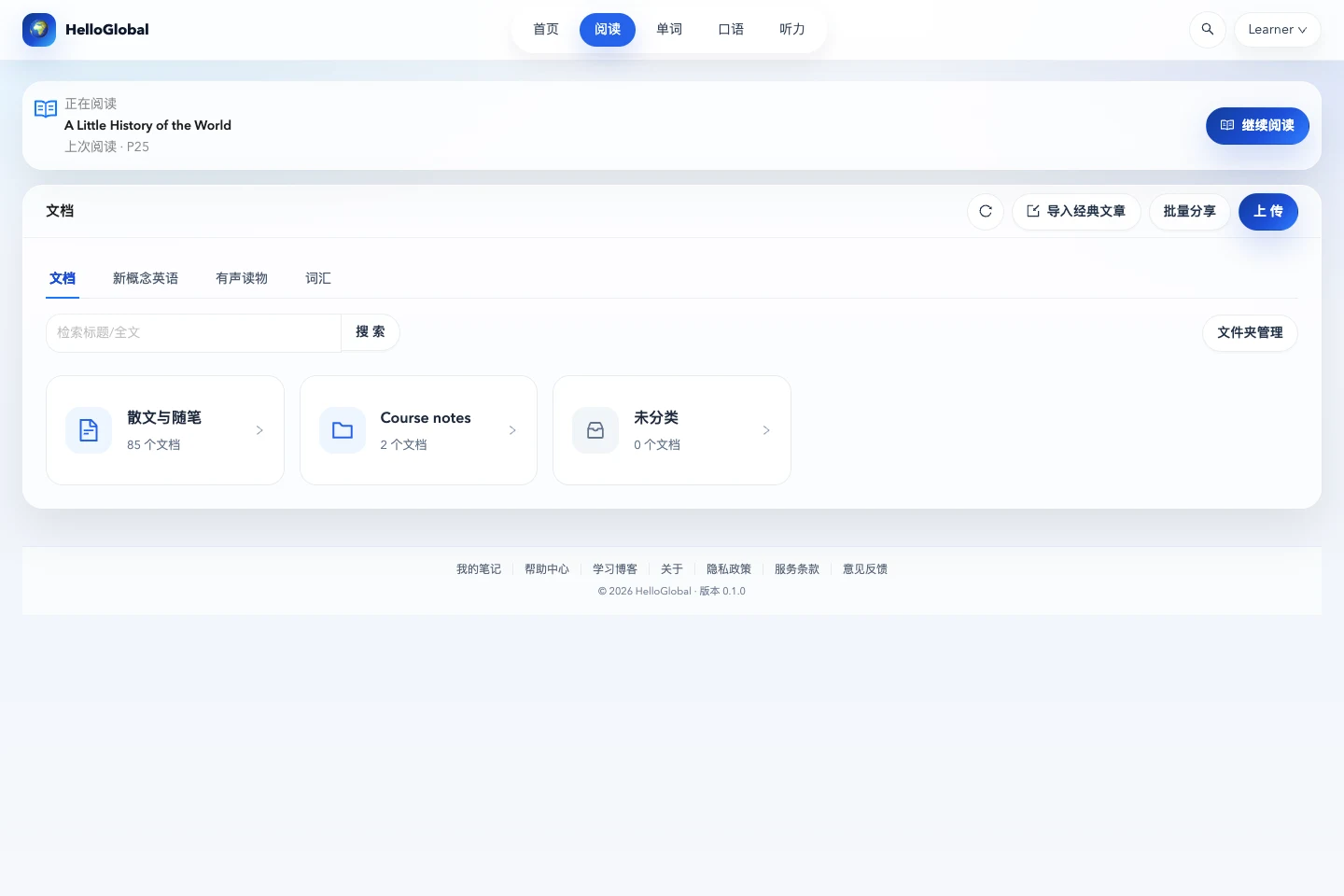
Find your current reading above the categories
English Reading places a compact current-reading section above the category area. It shows the recent title and a Continue entry, helping you return to the document’s saved reading position without searching the category and file lists again. Category selections, filters and list page numbers are retained so that returning from a reading does not lose the context in which you found it.
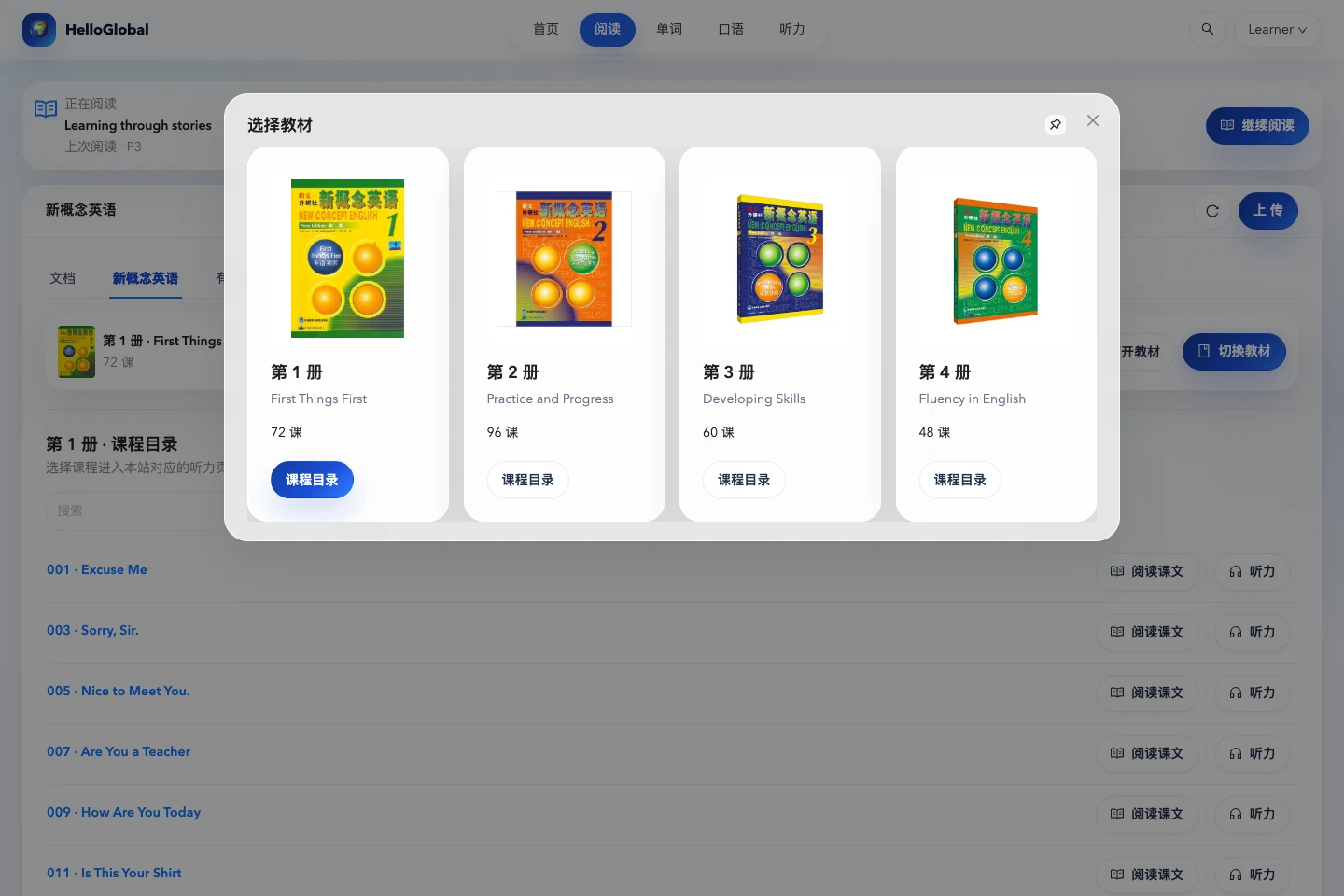
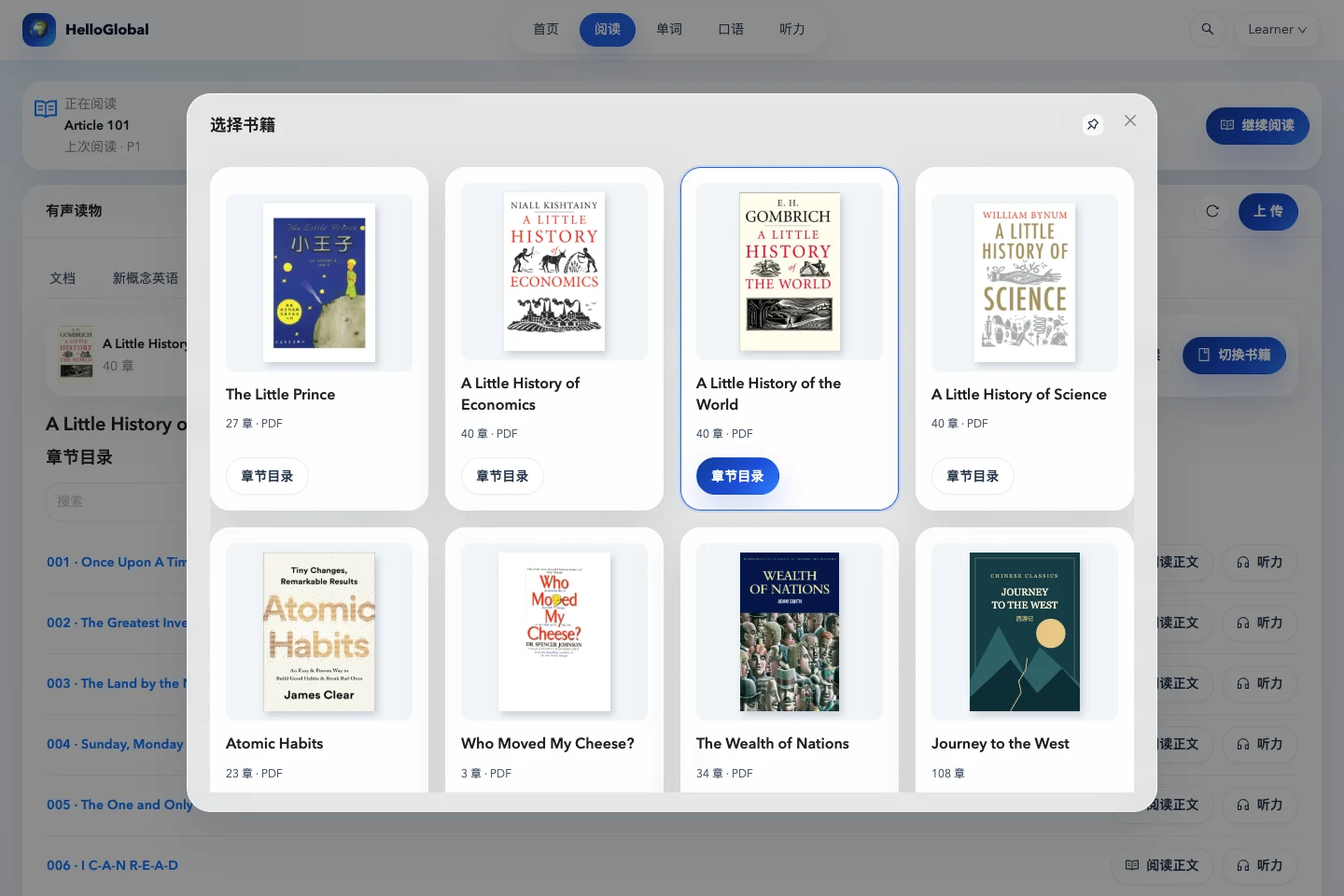
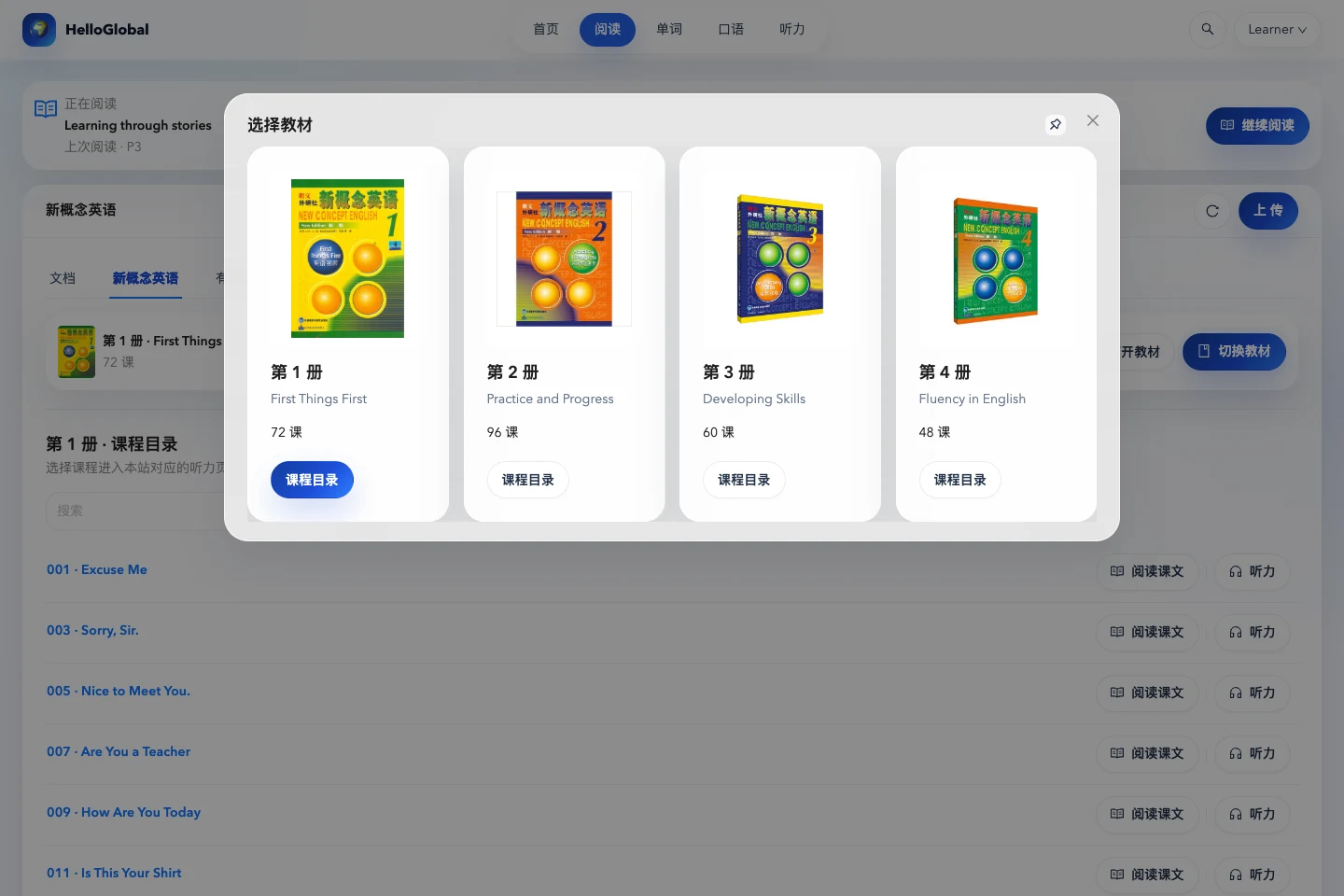
New Concept English and Audiobooks show the selected book rather than filling the first screen with every cover. Use Choose textbook in New Concept English or Switch books in Audiobooks to select an illustrated card, then return to that book and its directory.
Distinguish account progress from browser preferences
Reading, Speaking and Listening remember category and page selections, while Chinese vocabulary remembers its grade and category. With no earlier selection, Chinese characters start at China Grade 1. An explicit lesson or page link takes priority, so opening a shared or bookmarked destination does not unexpectedly send you somewhere chosen earlier.
These interface preferences are mainly stored in the current browser and separated by account or learning direction. Account-based reading progress, notes and practice records are different data. On another device, after clearing browser storage or in a private window, you may need to choose a category or book again without having lost your saved learning records.
Frequently asked questions
Will another phone restore exactly the same interface?
Not necessarily. Browser preferences and account learning records are stored separately.
Does an old selection override a direct lesson link?
No. An explicit destination in the link takes priority.