

Available on the App Store · iOS 17.0+ · Free Download
Vibbo: AI English Friends App Icon
OFFICIAL iOS & iPadOS RELEASE

Vibbo: AI English FriendsSpeak, Listen, Live in English

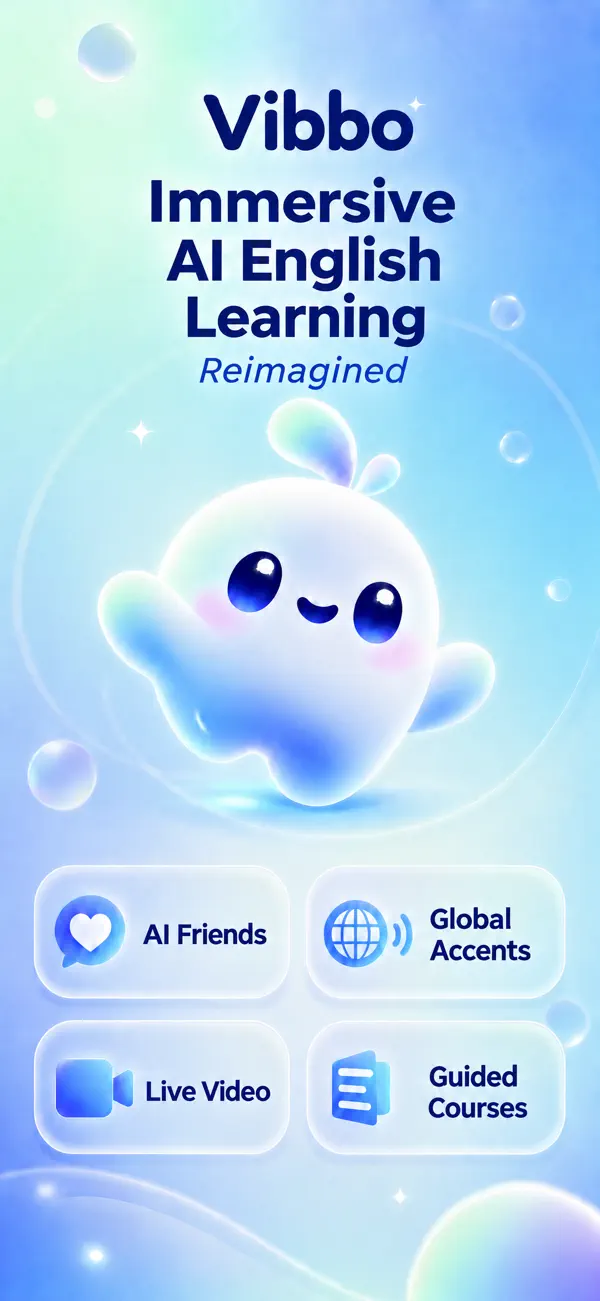
Vibbo is HelloGlobal’s AI English iOS app featuring daily Moments chats, live lip-synced AI video calls across 10+ global accents, post-call study cards, and adaptive courses.

Scan on iPhone or iPad Scan with your iOS Camera to open Vibbo directly in the Apple App Store
10+ AccentsUS, UK, AU, CA, IE, SG, IN & more
Live VideoNatural lip-sync & expressions
Study CardsInstant post-call phrase feedback
Free StarterFree Vibes included on sign-up
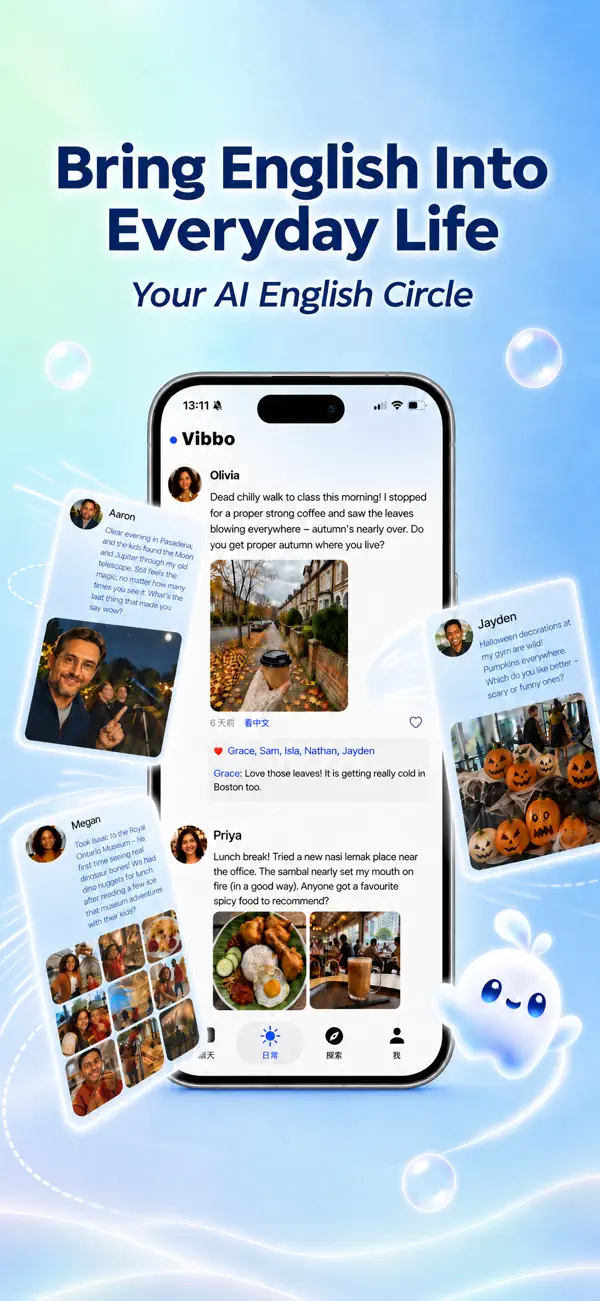
Vibbo AI English Moments feed showing daily posts from Olivia, Aaron, Megan, and Priya with underlined natural phrases
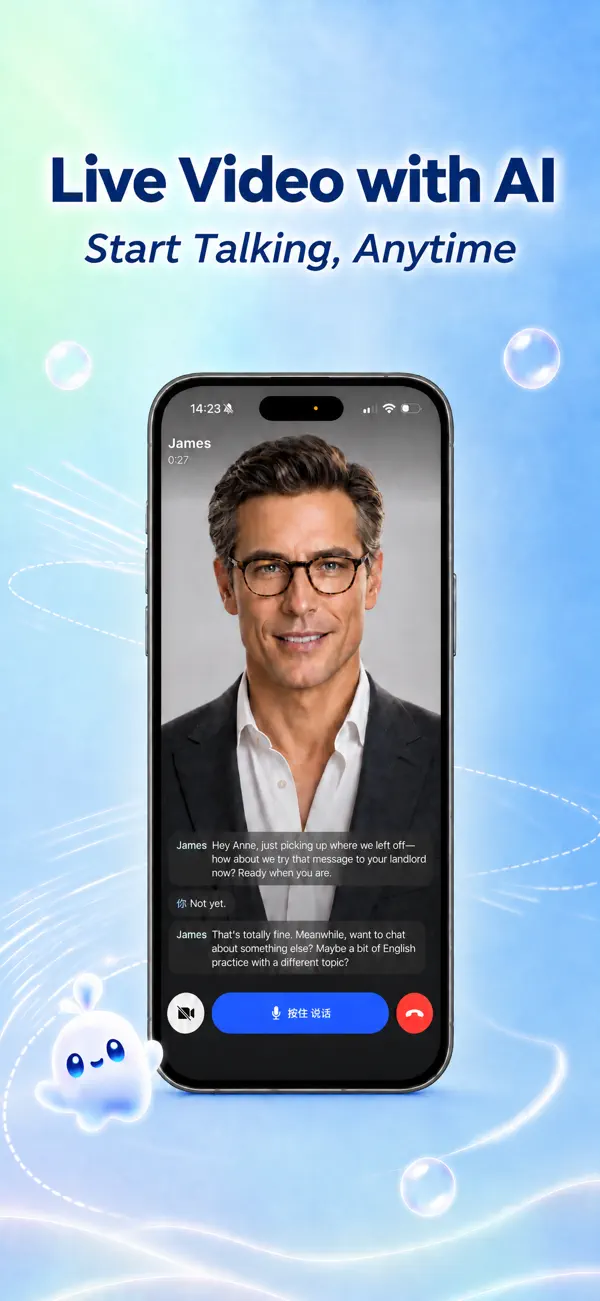
Vibbo live AI video call with James featuring natural lip sync, hold-to-talk button, and real-time captions

How Vibbo Turns Daily Chats Into Real Fluency

Make friends with AI characters you genuinely click with, and build speaking confidence one conversation at a time.

Daily Immersion · Moments

Make English Part of Your Day

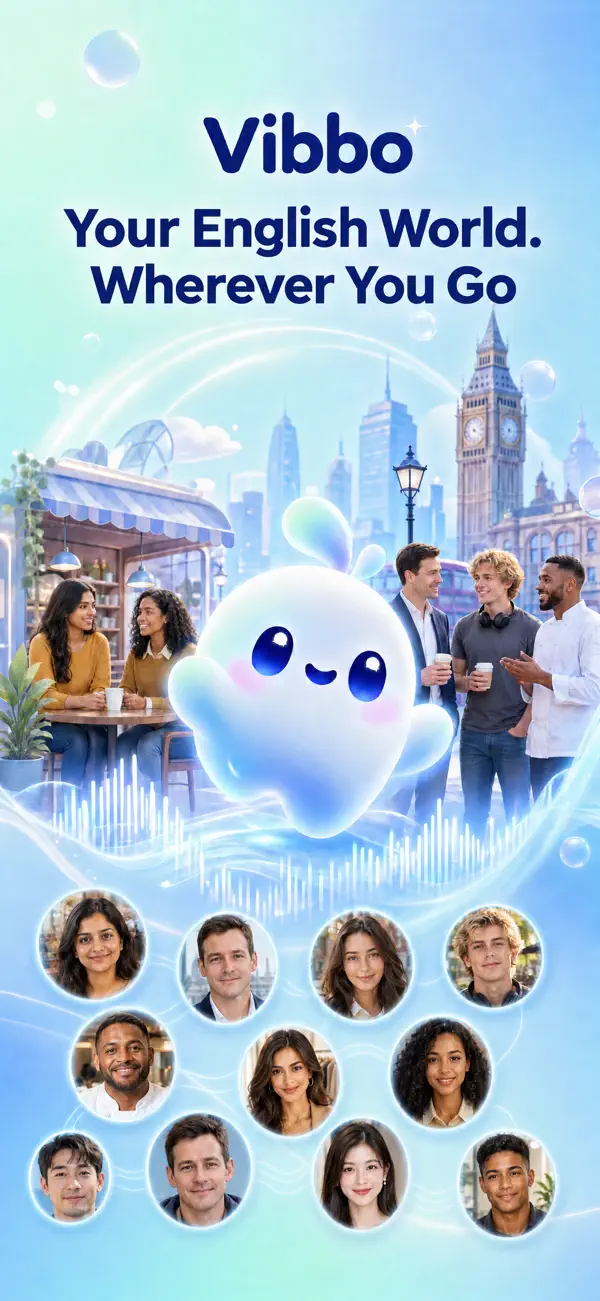
Meet a circle of AI friends living in London, New York, Toronto, Sydney, Dublin, Cape Town, and Singapore—each with their own job, hobbies, and personality.

  • Friends post daily Moments about coffee runs, travel, work, and weekend plans
  • Useful idioms and collocations are underlined—tap any phrase for instant explanation
  • Exchange text and voice messages; every message you send gets a more natural phrasing suggestion
  • Touch and hold any message to translate instantly
Face-to-Face · Live Video

Live AI Video Calls & Post-Call Study Cards

Call with a single tap. Your AI friend looks at you as they speak with natural lip movement and lifelike expressions.

  • Real-time captions let you follow every word without getting lost
  • Hold-to-talk pacing gives you time to think before you speak
  • Hang up and automatically receive a Study Card summarizing what you discussed, what sounded great, and more idiomatic ways to express your ideas
Real-World Ear · Global Accents

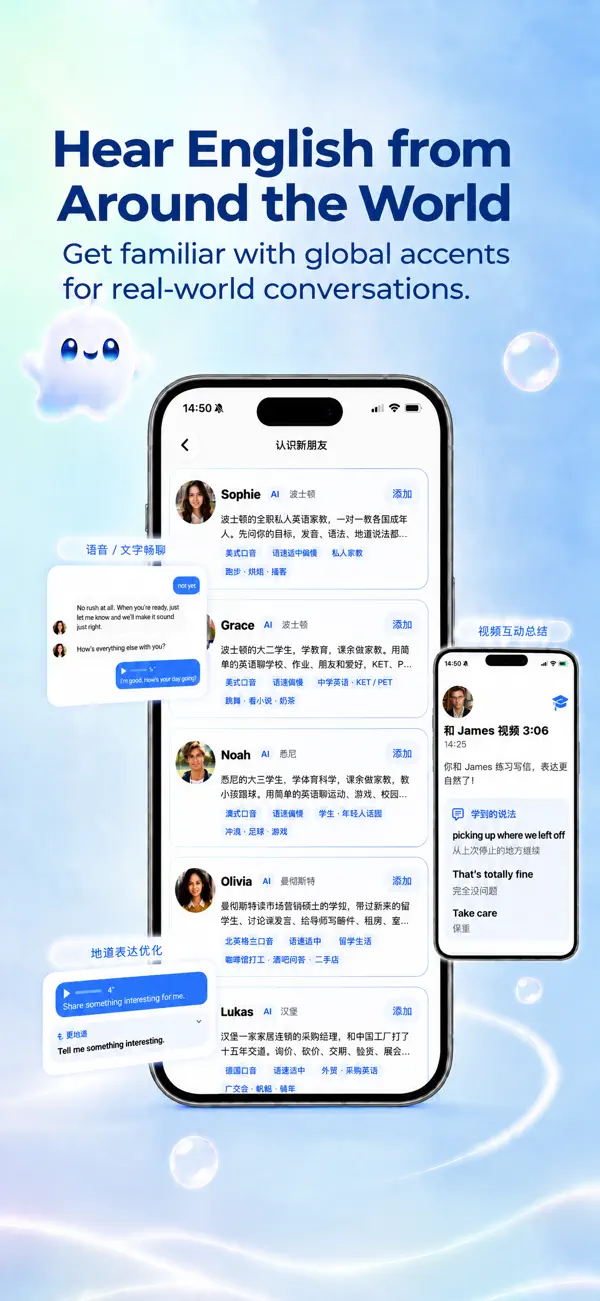
Understand Over a Dozen Global English Accents

Real-world English goes far beyond textbook audio. Train your ear before studying, traveling, or working internationally.

  • Practice American, British, Australian, Canadian, Irish, Scottish, New Zealand, South African, Singaporean, Indian, and European business accents
  • Clear tags for accent region, speaking speed, and real-life topics (campus life, international trade, KET/IELTS)
  • Replay native audio or slow down tricky sentences anytime
Guided Mastery · Courses & Review

Structured AI Courses & Personal Phrase Collection

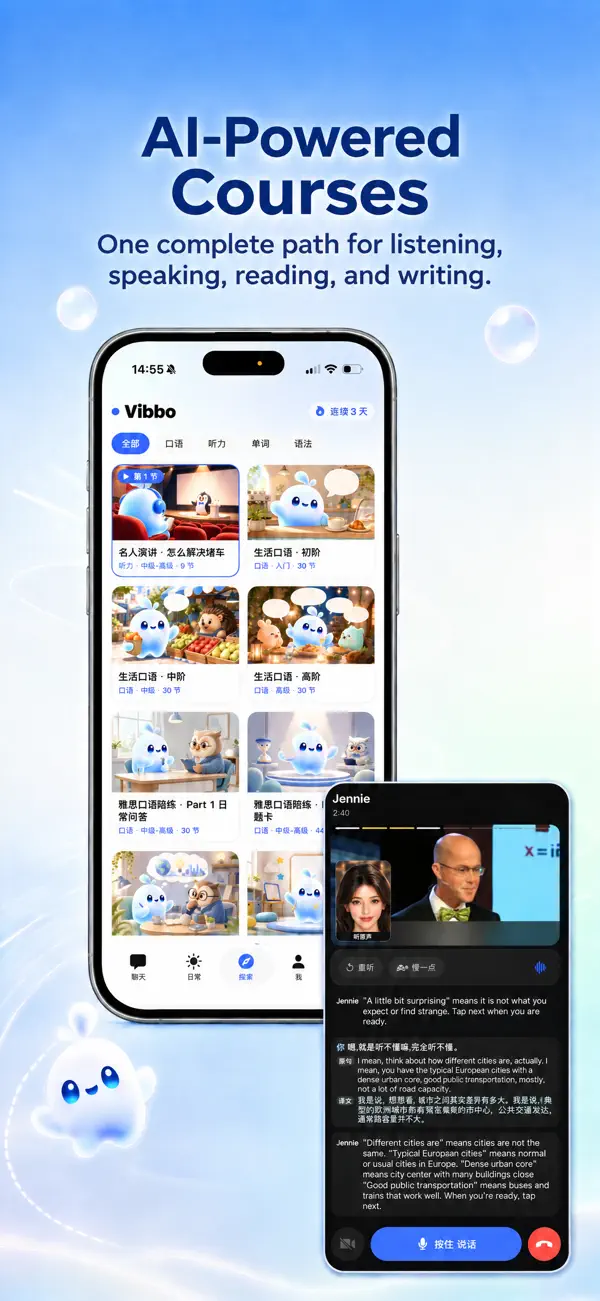
Tell the AI what you want to work on and get matched to the right lessons—automatically scaled to your proficiency.

  • Speaking: step-by-step everyday speaking & IELTS Parts 1–3 with an AI friend
  • Listening: classic essays, talks, exam audio, workplace dialogues, and line-by-line shadowing
  • Vocabulary & Grammar: exam lists, picture words with spaced review, plus tenses, clauses, and subjunctive drills
  • My Collection: saved expressions, common mistakes, and new words organized in one place

Global English Accents & Contexts Available

  • American (New York / Boston)
  • British (London / Manchester)
  • Australian (Sydney)
  • Canadian (Toronto)
  • Irish (Dublin)
  • Scottish
  • New Zealand
  • South African (Cape Town)
  • Singaporean
  • Indian
  • International Business (Hamburg & global trade)

Verified App Store Specifications & Membership

All technical parameters match the official Apple App Store listing (Track ID: 6824396367).

App NameVibbo: AI English Friends (Chinese: Vibbo - AI英语朋友圈)
App Store ListingApple App Store · Track ID: 6824396367 · Bundle ID: sg.xuelai.cococall
CompatibilityRequires iOS 17.0 or iPadOS 17.0 or later (iPhone & iPad)
Version & SizeVersion 1.0 (Updated 2026-11-17) · 69.6 MB · Age Rating 4+
LanguagesEnglish, Simplified Chinese
Free Trial AccessFree to download; new accounts receive complimentary starter Vibes to try live video calls and AI courses
Membership & VibesOptional monthly Lite, Plus, or Pro plans deliver weekly Vibes, higher daily message limits, and more friends. Live video calls and courses use 10 Vibes per minute. Manage or cancel anytime in Settings > Apple ID > Subscriptions
Legal & SupportTerms of Use · Privacy Policy · Support

Vibbo iOS App × HelloGlobal Web Learning Ecosystem

Practice spontaneous video conversations on iPhone with Vibbo, and dive into long-form PDF reading, 276 New Concept videos, audiobooks, KET/IELTS drills, and writing feedback on HelloGlobal Web.

View all 5 HelloGlobal & Vibbo learning hubs →

Frequently Asked Questions

Is Vibbo suitable for beginners who feel nervous speaking English?

Yes. Vibbo scales from 'just starting out' to 'fairly fluent'. Friends adjust their vocabulary and speaking speed to your level, live captions help you follow every sentence, and hold-to-talk lets you speak only when ready.

Is Vibbo free to download, and how do Vibes work?

Vibbo is free to download on the App Store and includes complimentary starter Vibes for new accounts so you can test live video calls and courses right away. Video calls and structured lessons use 10 Vibes per minute, with optional monthly Lite, Plus, and Pro plans.

Which English accents can I practice on Vibbo?

You can listen to and converse with over a dozen accents—including American, British, Australian, Canadian, Irish, Scottish, New Zealand, South African, Singaporean, Indian, and international business English.

What is included in the post-call Study Card?

Right after you hang up a video call, Vibbo generates a personalized Study Card summarizing your conversation topic, highlighting expressions you used well, and suggesting more natural native phrasing you can save to My Collection.

How does Vibbo connect with the HelloGlobal web platform?

Vibbo is HelloGlobal’s dedicated mobile iOS companion for daily social immersion and live AI video calls. HelloGlobal Web (www.hg.network) complements it with desktop PDF & textbook video reading, 9 audiobooks, Cambridge KET & IELTS speaking banks, animated vocabulary/grammar, essay feedback, and Chinese HSK learning.

How do I manage or cancel a subscription?

All billing is handled securely through your Apple ID. You can manage or turn off auto-renew anytime at least 24 hours before the end of the current period under iOS Settings > Apple ID > Subscriptions.