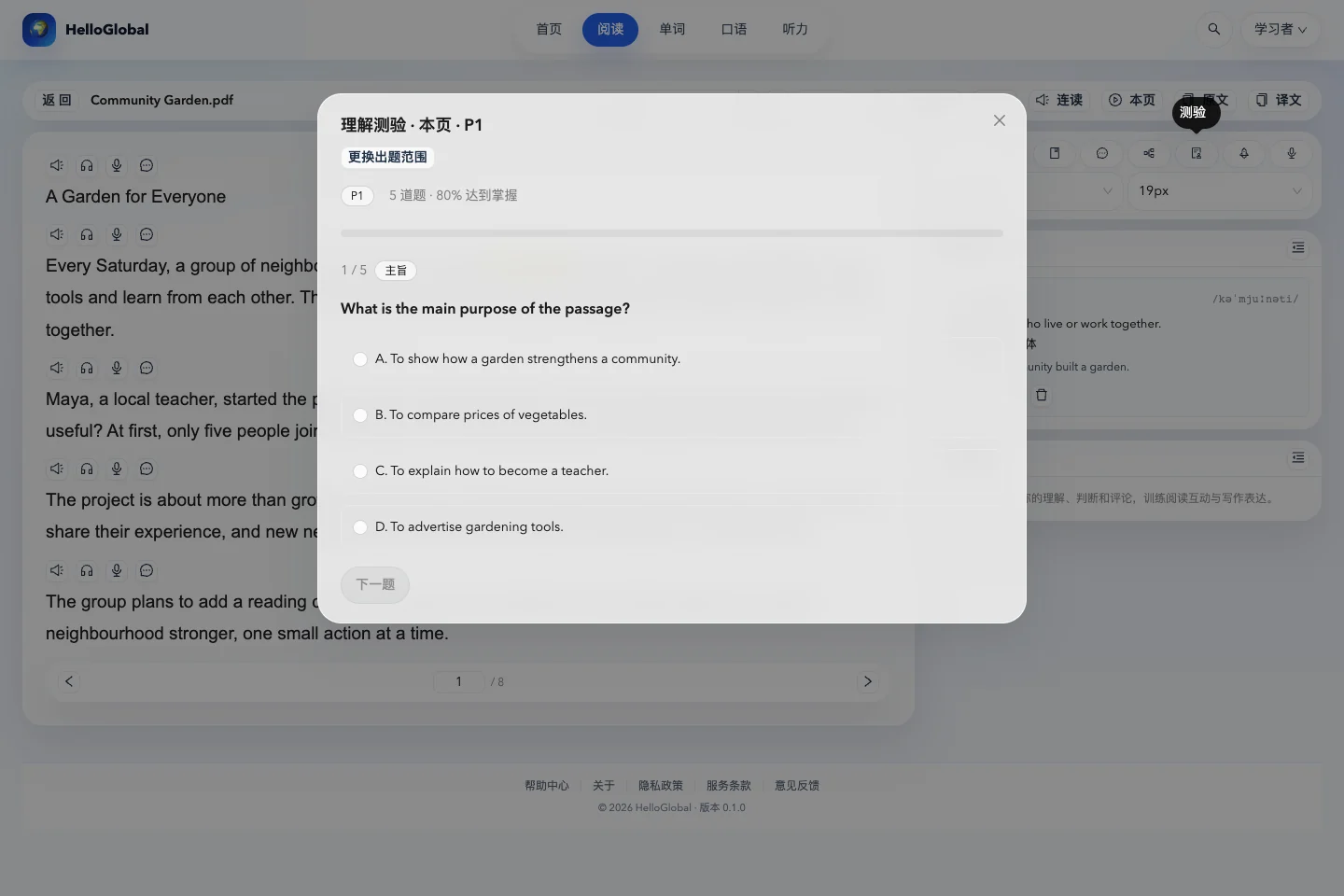
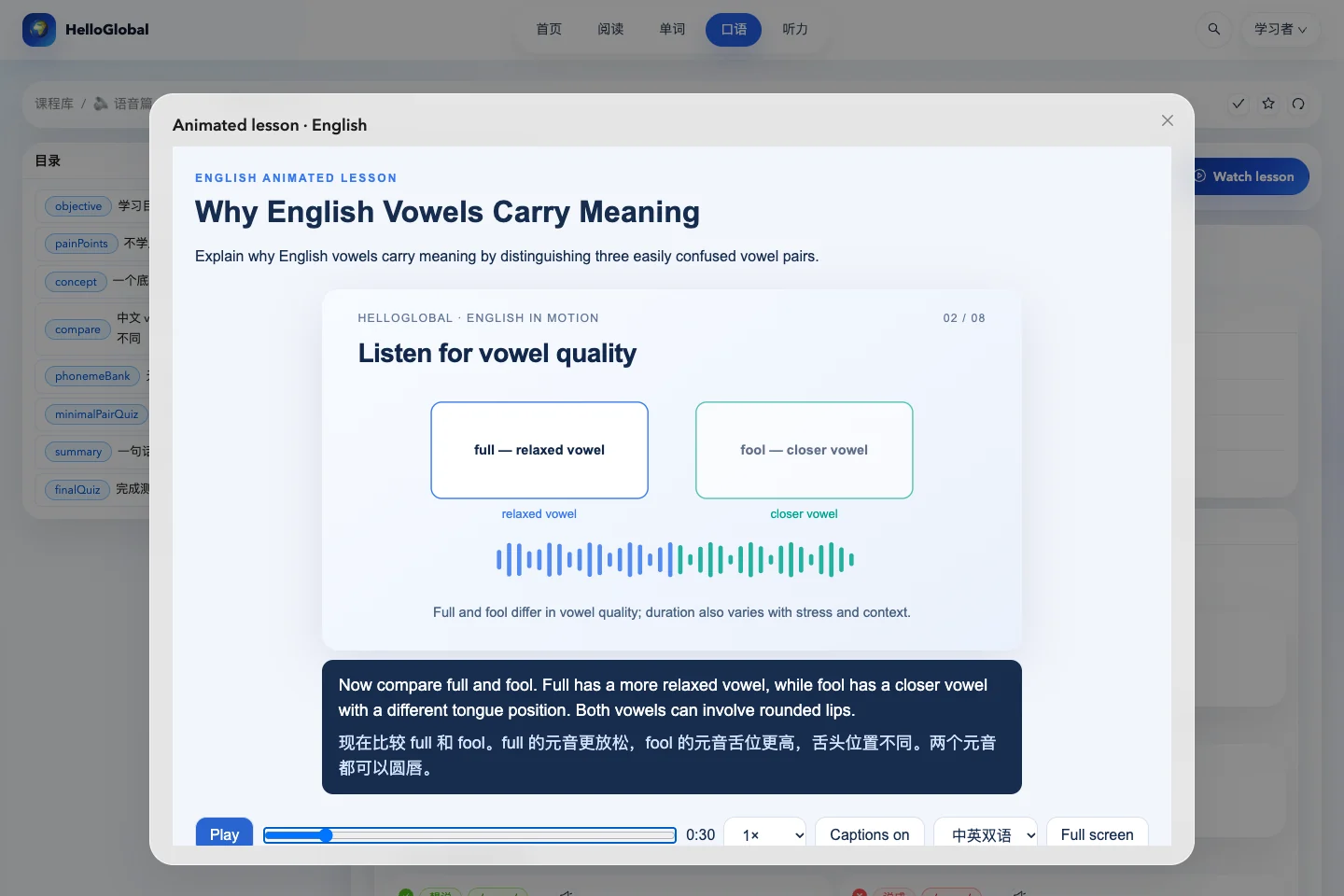
Learners with a script, reading document, audio or video who want focused English listening practice around their interests.
Choose a source and check the material
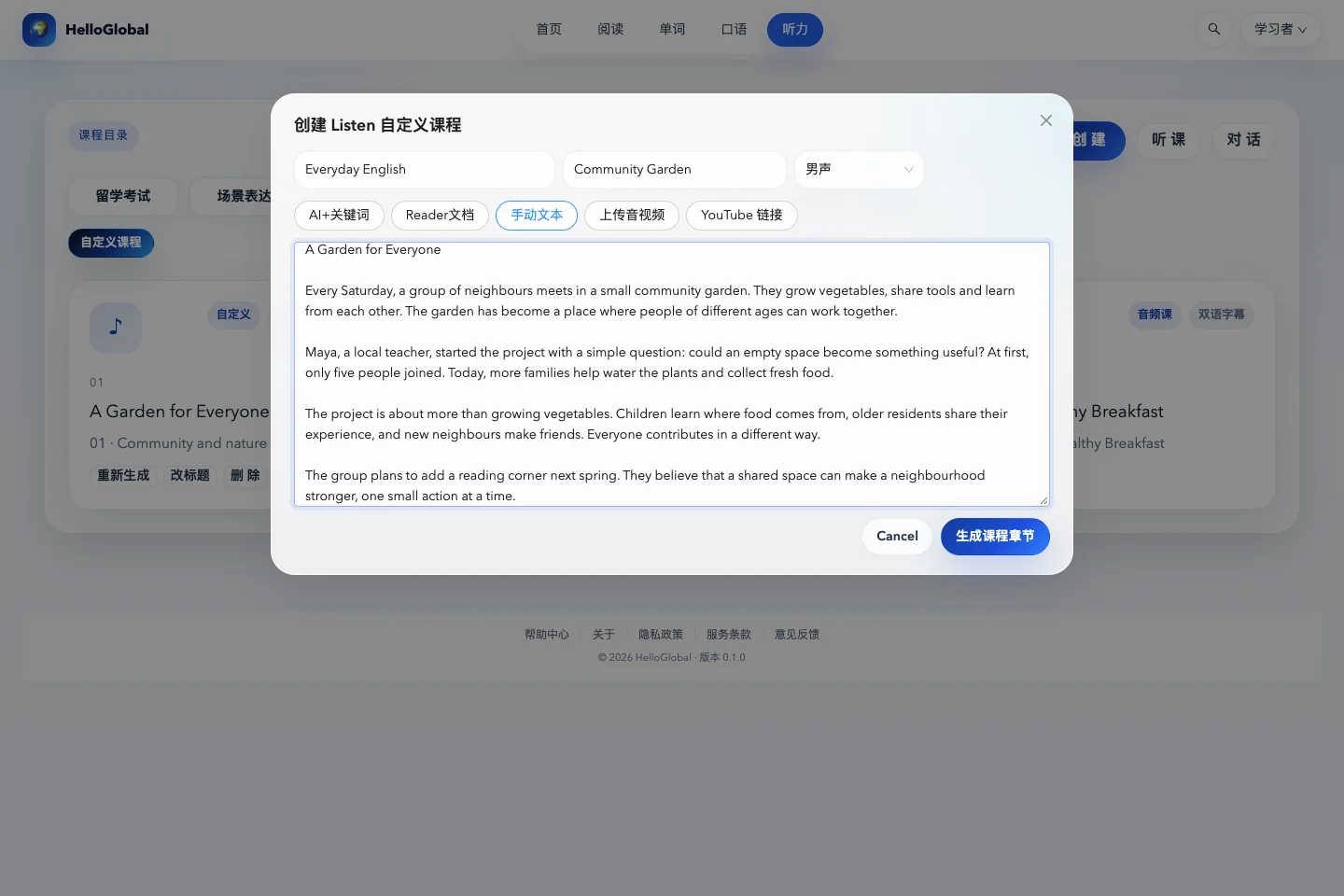
Open the creation tool in the custom category of Listening. Available sources include an AI-generated topic, your reading documents, manually entered text, audio or video, and supported YouTube links. Required fields vary by source.
For an existing short passage, choose manual text and enter the course name, lesson name and body. For reading material, select your own document and the relevant pages. After uploading audio or video, wait for processing to finish, then open the lesson and check the captions.
For a first lesson, use a short piece with a clear topic. Names, numbers and specialist terms can affect later understanding. Correct transcription or translation errors before using the material for practice.
Listen for the main idea, then locate difficult sentences
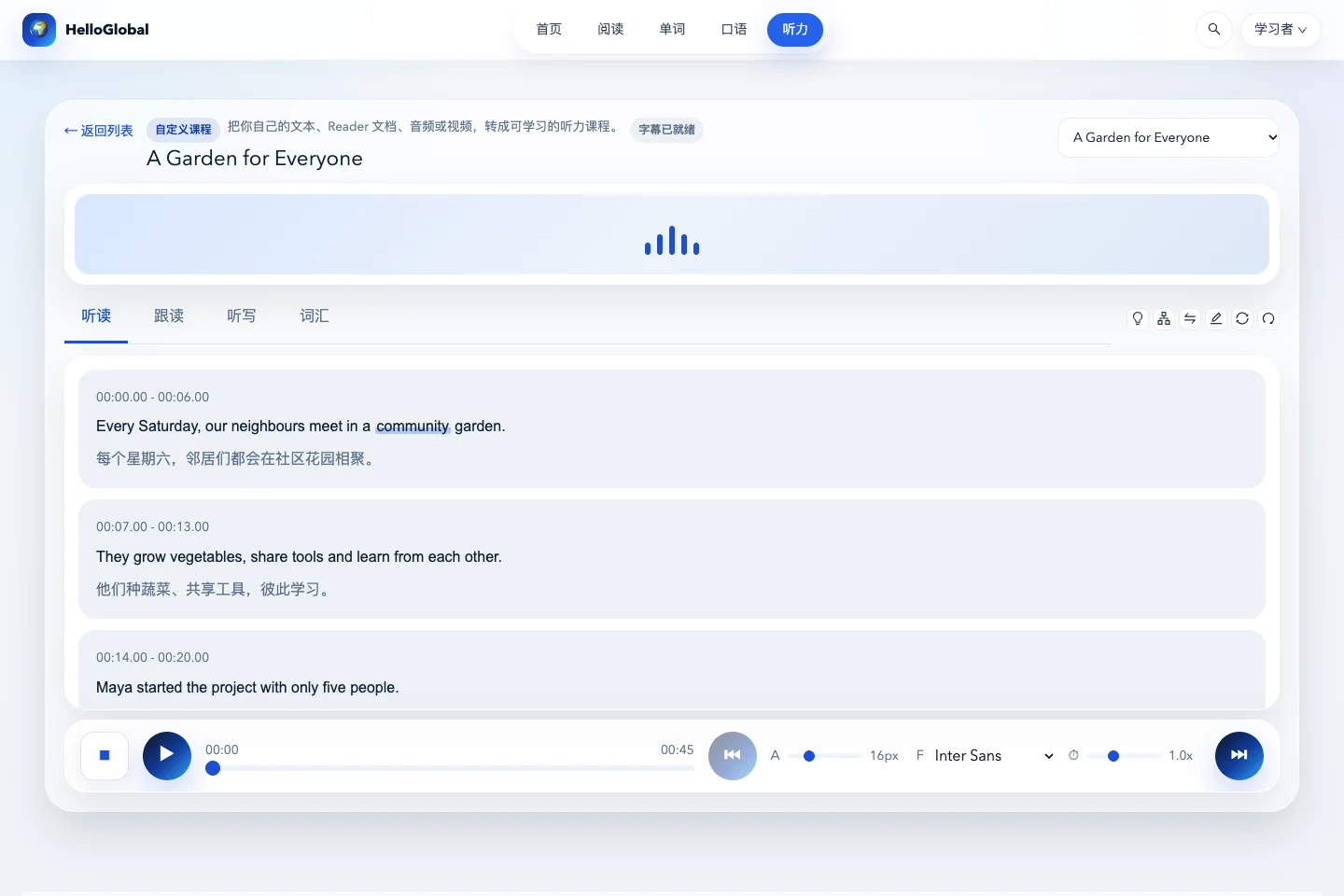
Enter the lesson and play it at normal speed. Ask who is doing what, and why. Then use the listening-and-reading tab to inspect captions and select unfamiliar sentences to locate the corresponding audio.
With the demonstration passage about a community garden, a first listen might establish that residents grow vegetables together. On a second listen, check who started the project, how many people joined initially and what they plan next. Keeping these questions in mind can help you follow the main thread before focusing on individual words.
The bottom controls adjust playback speed, caption display and font size. Bilingual captions help check meaning. To test whether you heard the English clearly, temporarily show English only.
Use shadowing for delivery and dictation for listening detail
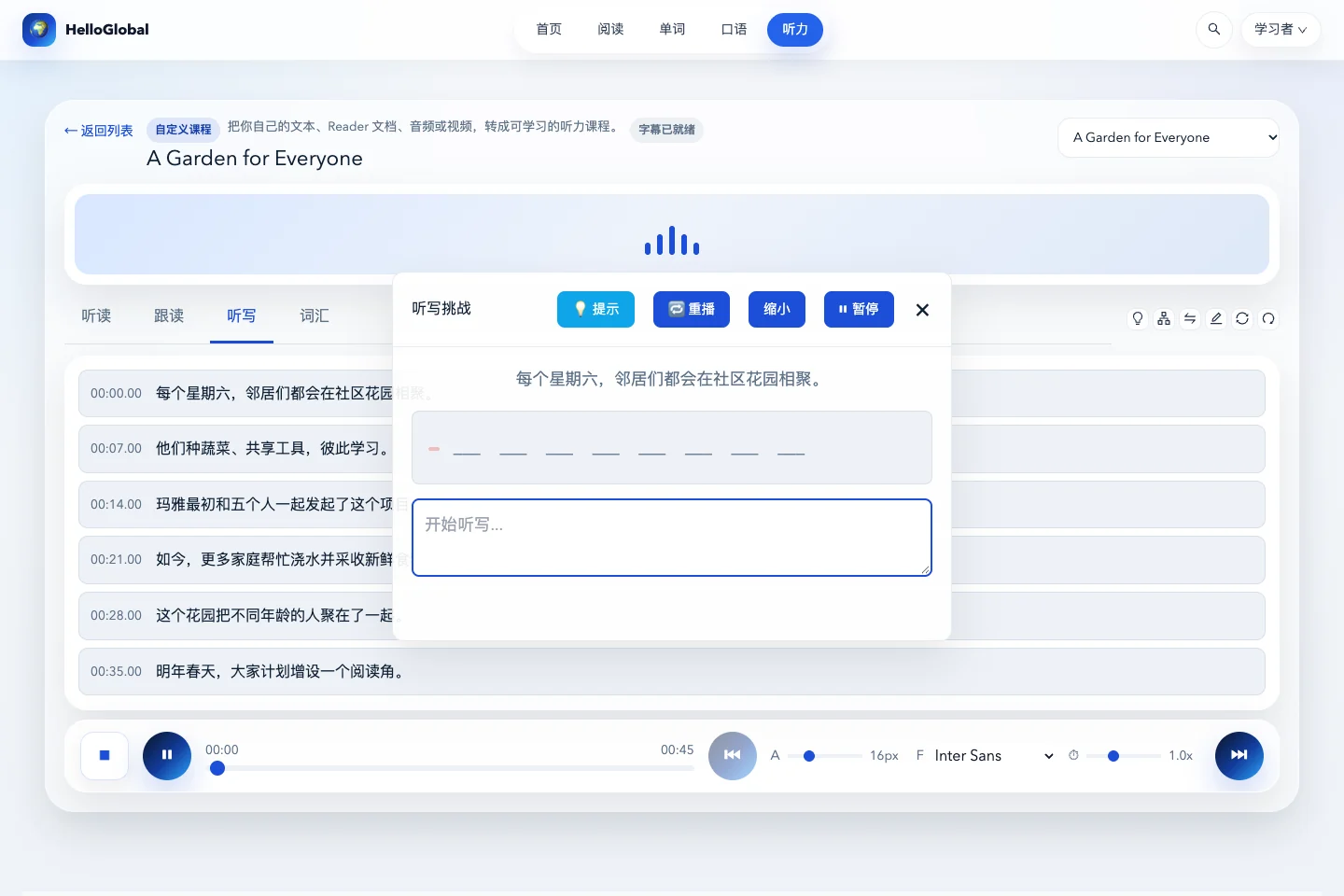
Shadowing and dictation serve different purposes. Choose according to the difficulty you are having; you do not need to complete every activity mechanically each time.
| Your difficulty | An activity to try first | What to check |
|---|---|---|
| You understand the text but cannot say it smoothly | Shadowing | Missing words, order and pauses |
| You hear sounds but cannot identify the words | Dictation | Unheard words and spelling errors |
| You hear the words but miss their relationship | Sentence explanation or full-text analysis | Structure, references and cause and effect |
Select a sentence in the listening-and-reading view, then switch to shadowing to practise it. For dictation, keep the complete answer hidden, type what you hear, and use replay or hints to check your attempt.
Use analysis to organise your understanding, then verify it in the audio
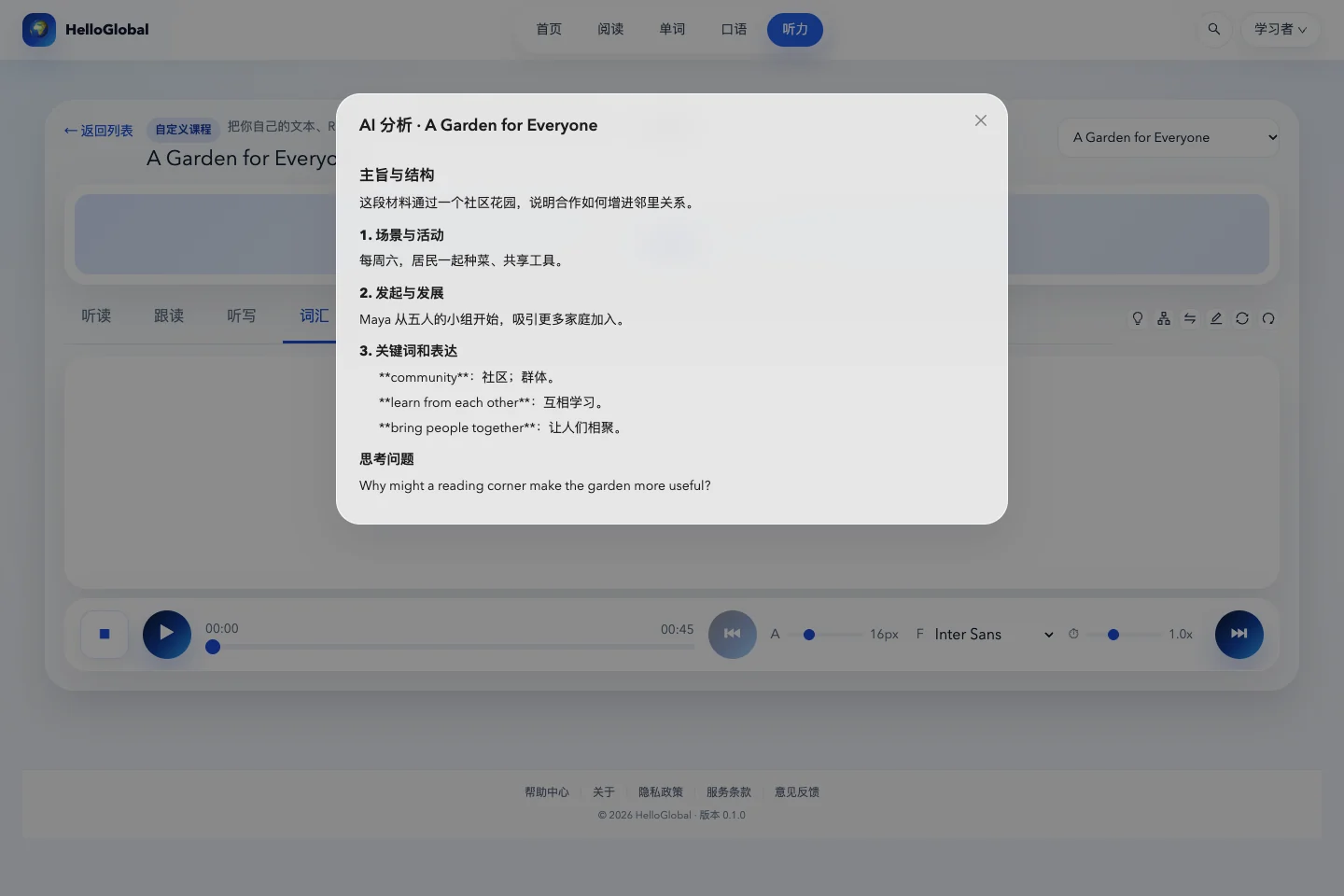
AI analysis at the top of the lesson can outline the topic, structure and useful expressions. A mind map shows the hierarchy of ideas. Form your own interpretation first, then compare it with the analysis.
If the analysis says the project improved relationships between neighbours, return to the audio and find supporting details: sharing experience, making friends or planning together. Do not accept a generated conclusion without locating its evidence.
The vocabulary tab gathers key words from the lesson. For further review, choose the corresponding listening vocabulary collection in Words. Custom courses are personal content; search results respect the scope of your own courses.
Frequently asked questions
There is audio but no caption text. Is the lesson broken?
Not necessarily. Captions may still be processing or may not have been generated. Check the material’s status: audio availability and caption readiness are separate.
Do I need to process the entire lesson again after changing one caption?
For an isolated error, try editing the caption first. Regenerate only when you need a new transcription or translation, and read the confirmation message so you do not overwrite edits unintentionally.