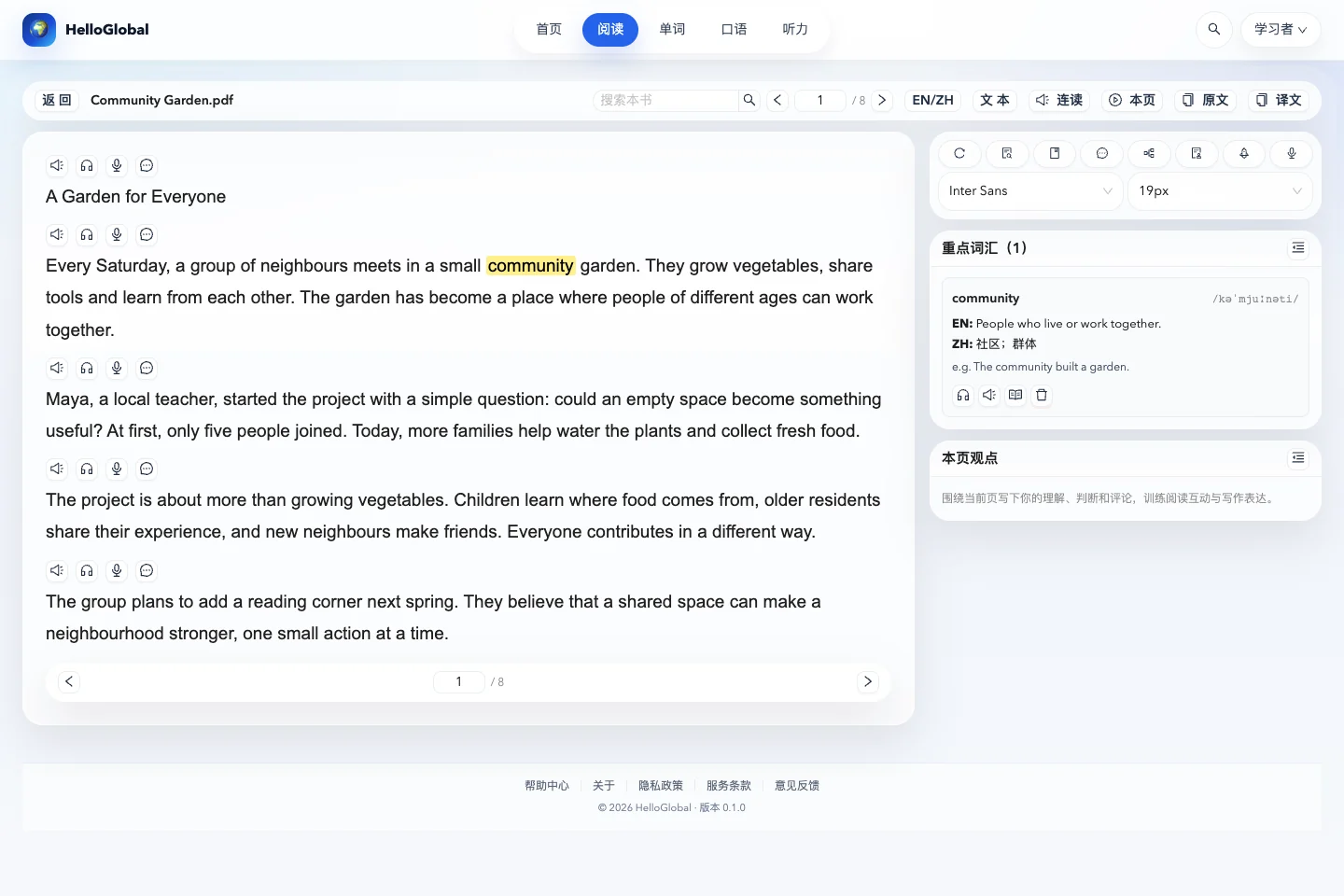
Learners with several course documents, books or work readings who need to recover a passage.
Search for words in the document, not only its title
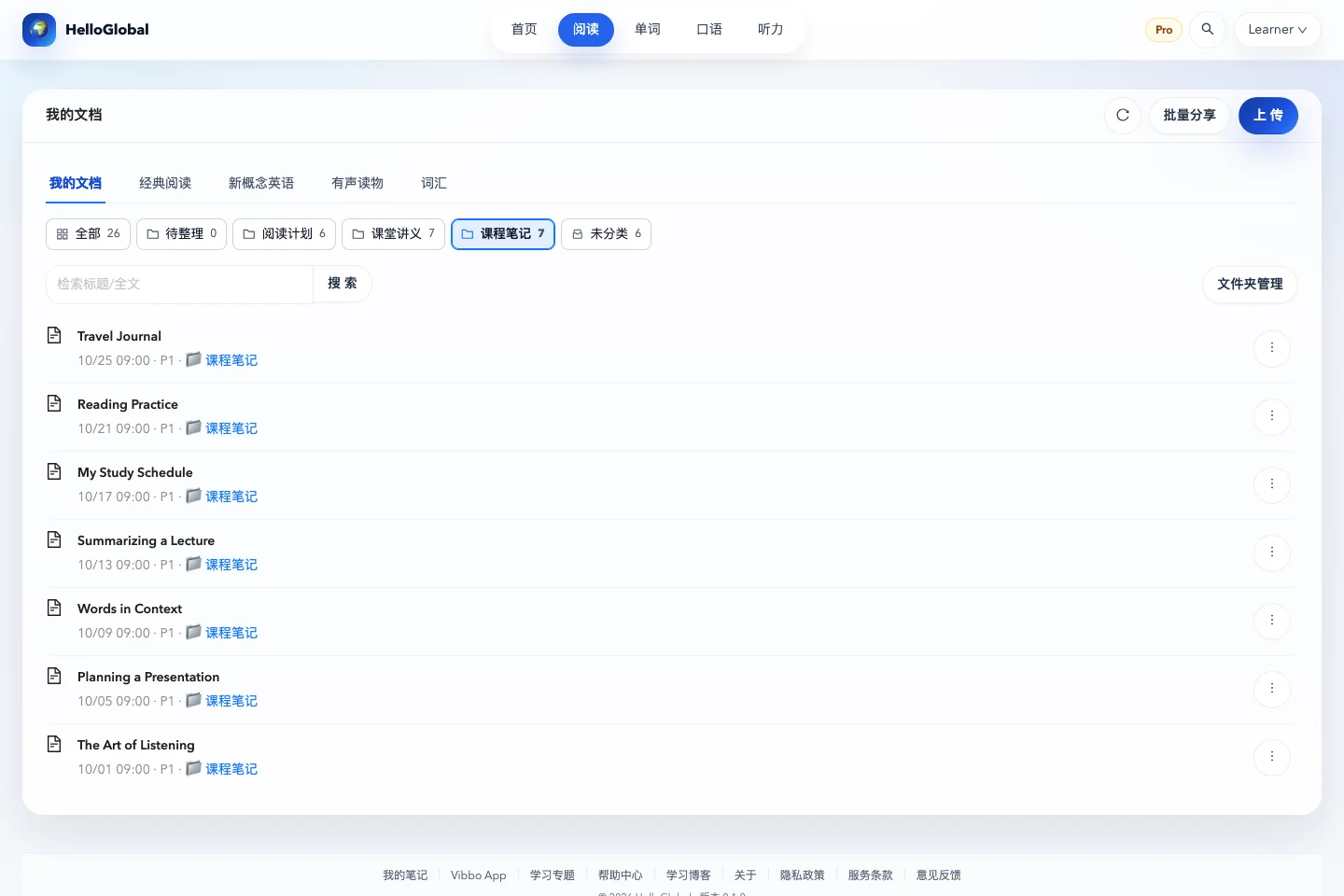
Enter a remembered word or short phrase in the reading library’s search field. Search checks titles and available document text, and matching results can show a relevant passage and page number. Read the snippet to confirm the context, then open the matching page instead of starting again at the beginning of the document.
Begin with a distinctive term, such as a name or a short phrase. If there is no result, reduce the number of words, check the spelling or try another expression. A scan without extracted text needs text recognition before its sentences can become searchable.
Verify the passage after opening the result
A search match proves that a word or phrase appears, not that the entire document supports a particular conclusion. After opening the result, read the surrounding paragraphs to establish whether the author endorses, challenges or quotes the idea. Then continue with vocabulary lookup, translation or questions about the passage.
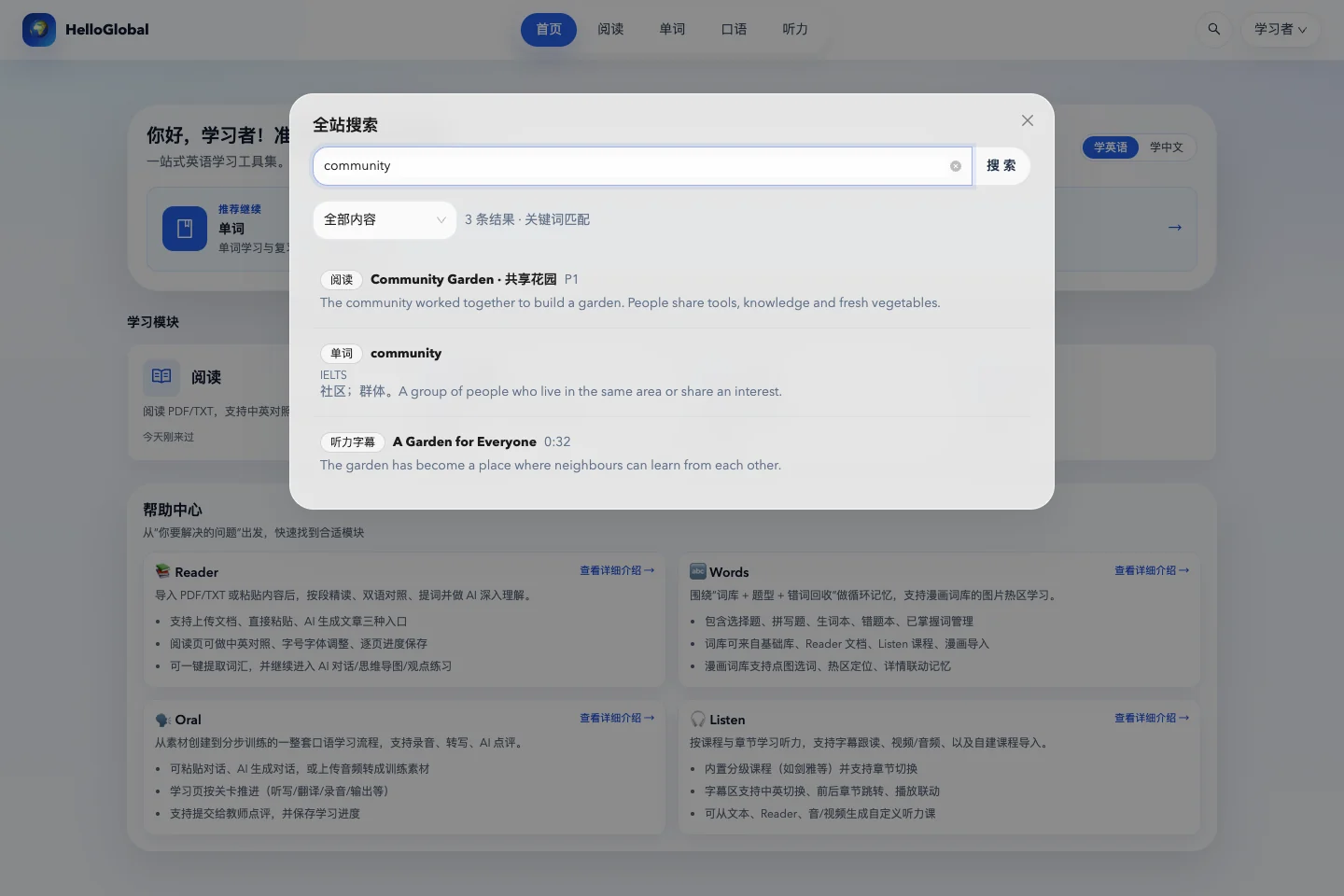
Reading searches respect access to your own material. In the current interface, searching inside a category narrows the scope to that category, while the overview searches your reading library. The top magnifying glass serves a broader cross-module search. Choose the appropriate scope to avoid unnecessary or unrelated results.
Frequently asked questions
Does search only match filenames?
No. It also searches document text that has been extracted.
Why can a sentence in a scanned PDF be missing?
Check whether the page has usable text, then extract and verify it if needed.