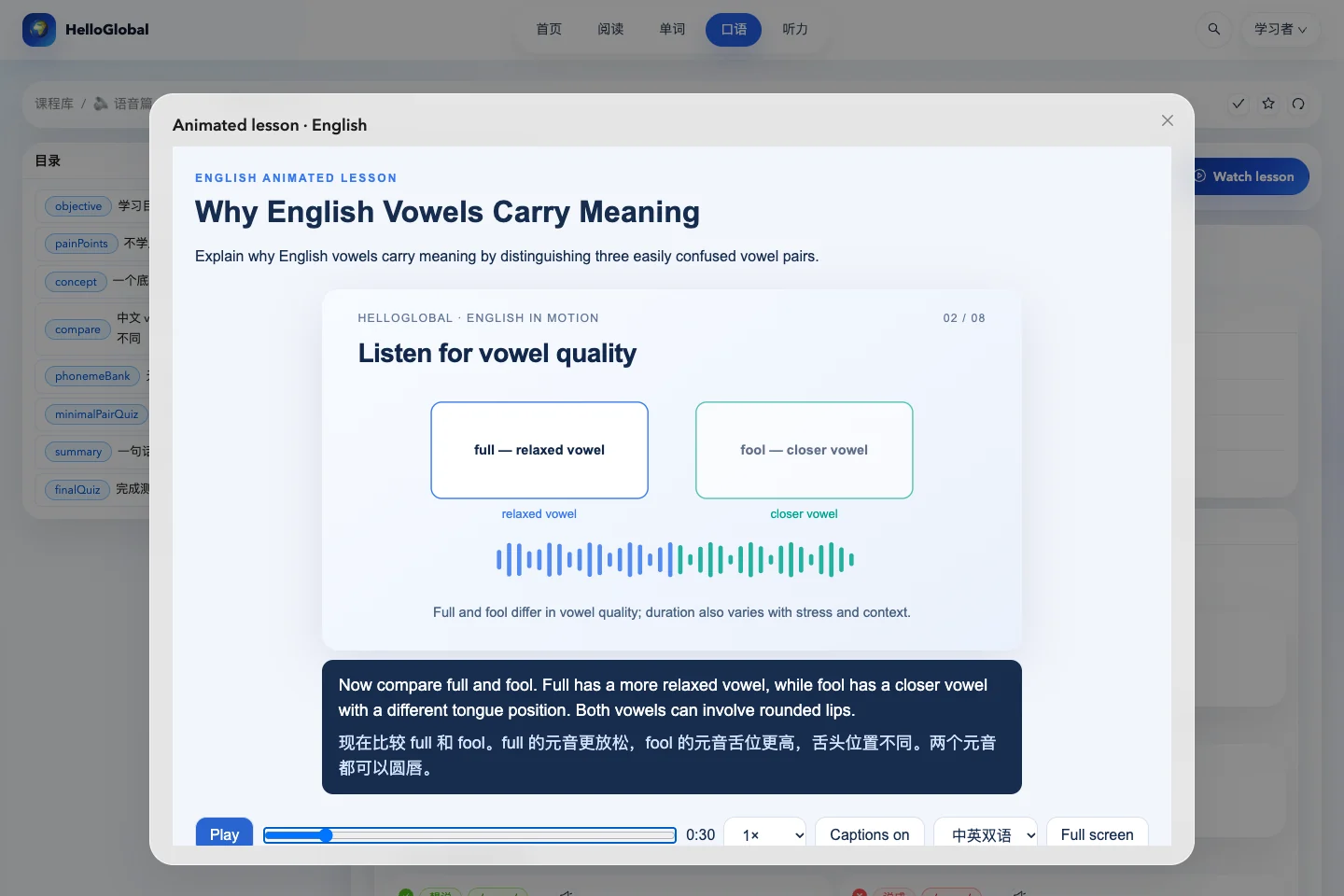
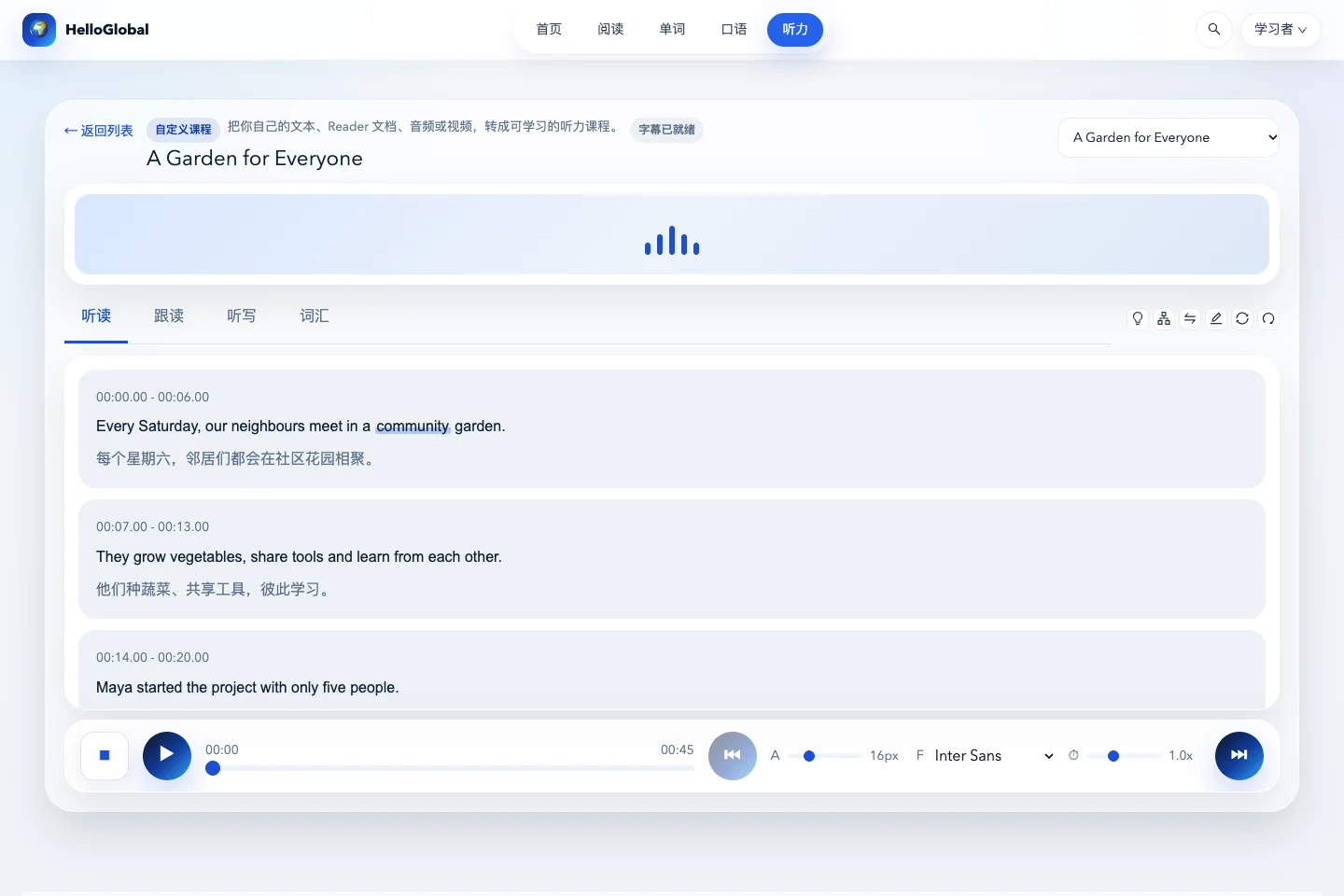
English learners who need topic-based vocabulary, enjoy visual learning, or want to move from recalling definitions to describing scenes.
Choose a topic and a manageable group of words
On the Words page, use the vocabulary collection selector on the right to open Comics or OPD. They have distinct cards within the same selection panel.
After opening a page, identify its topic: time, food, a workplace or a natural phenomenon. If it contains many words, begin with a few that can form a meaningful description, then expand the group.
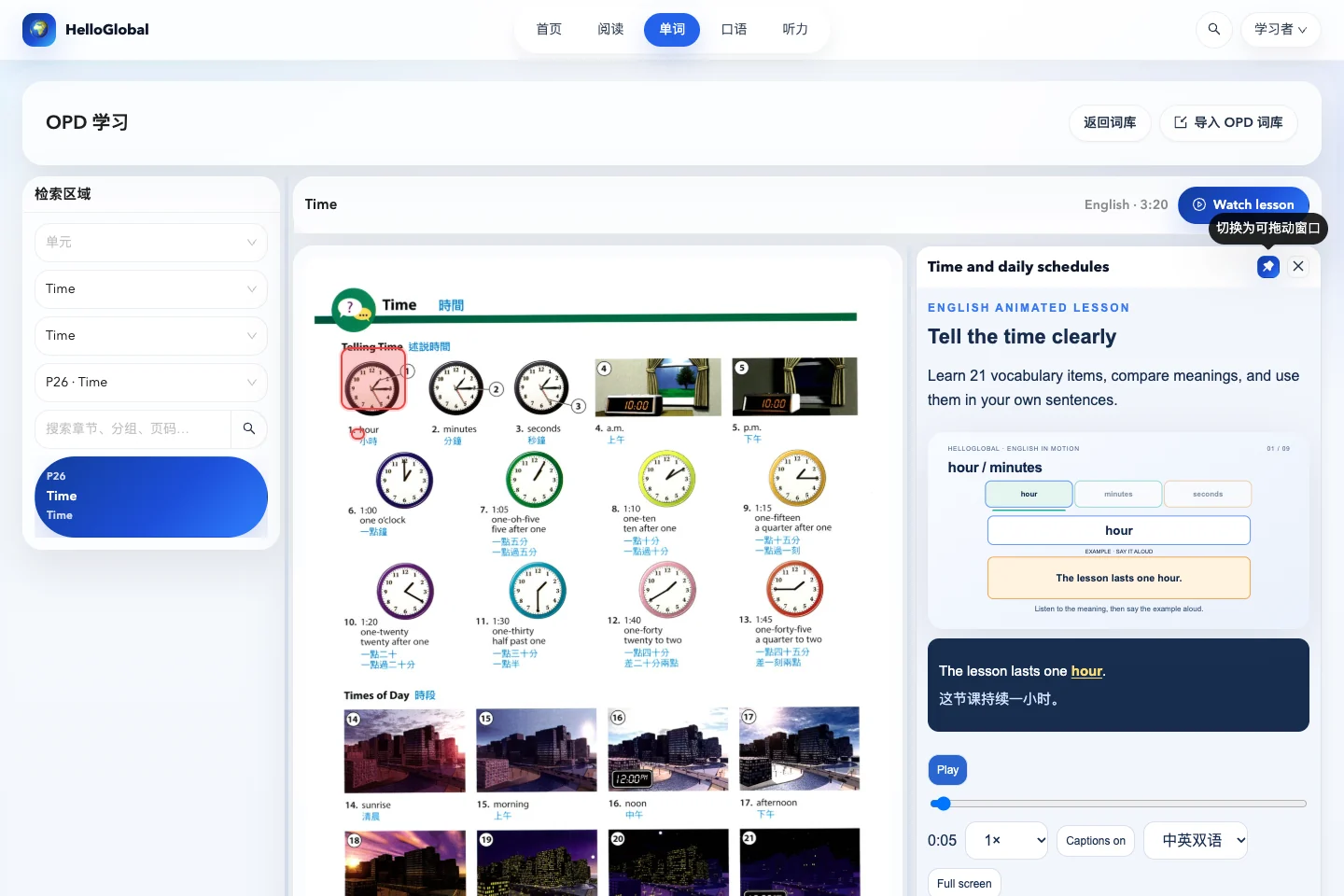
On a clock page, for example, first understand the relationship between hour, minute and second. Then practise The lesson starts at nine o’clock. You do not need to memorise every time expression at once.
Connect the spoken word to its place in the picture
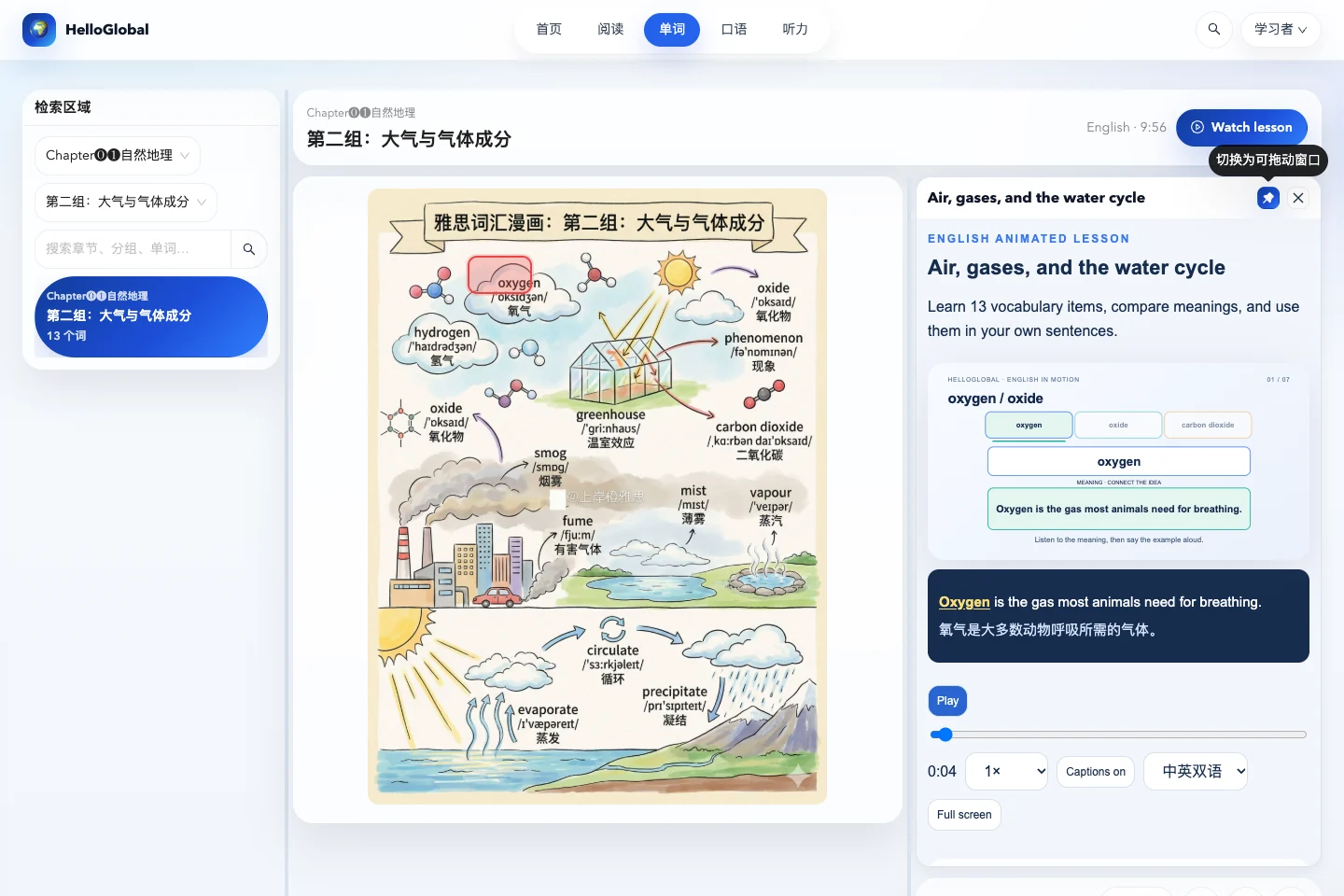
Select Watch lesson beside the page title. Narration remains in English, while captions can show English and Chinese together, English only, or Chinese only. As the lesson reaches a word on the page, compare the highlighted caption with the location box on the picture.
On a first viewing, bilingual captions can help establish meaning. On a second viewing, try English only, then return to the picture and identify the objects yourself. Pause to compare related words: in a topic about air, for example, clarify which gases or phenomena the terms refer to.
Each short lesson belongs to its page. After changing topics, open the new page’s lesson so that the narration and picture still match.
Dock the player while keeping the picture visible
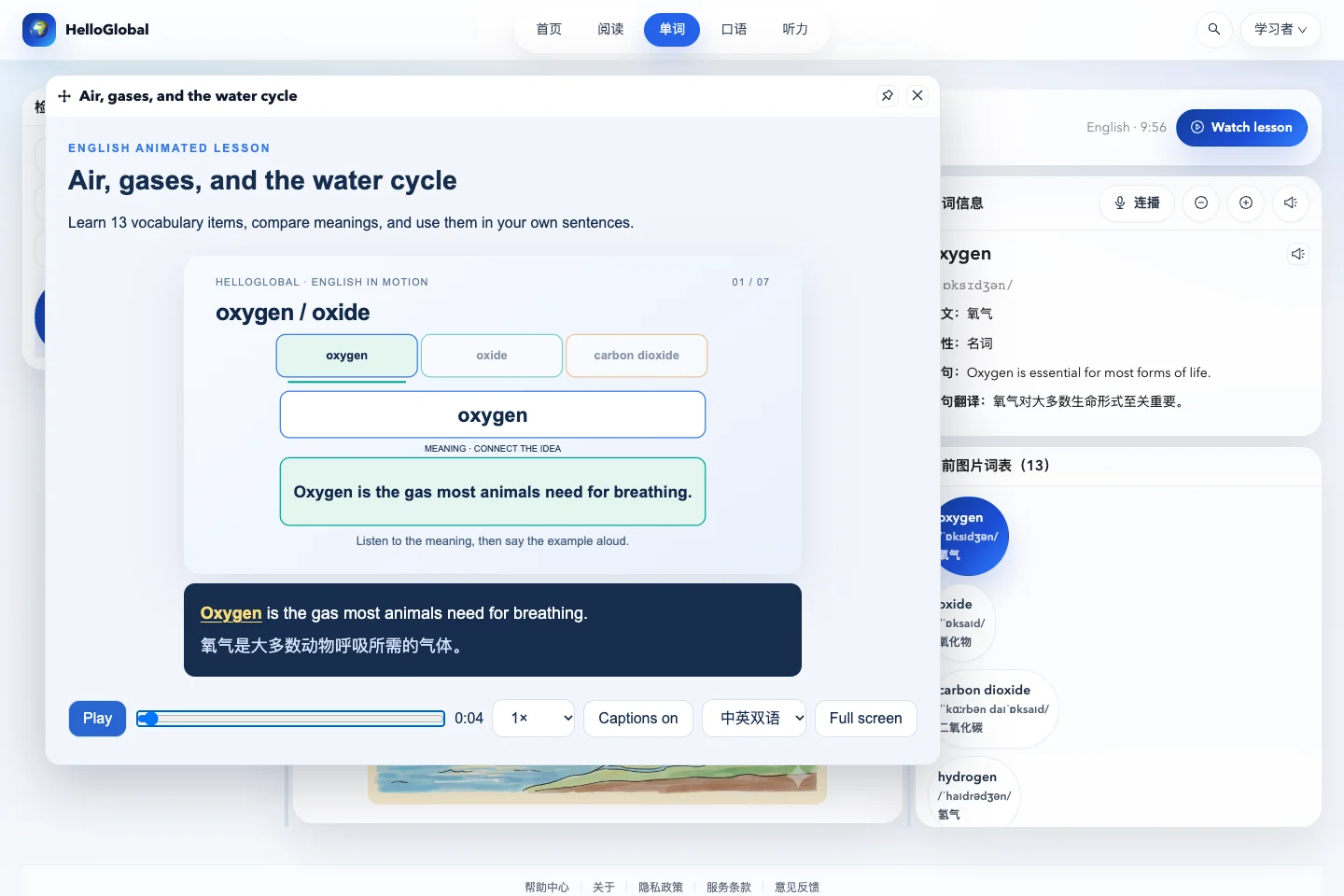
When the player is floating, drag its title bar to move it. To keep the lesson beside the picture, use the pin control to dock it in the right sidebar. The player takes up space in that column, and word details move below it.
Drag the dividers between the left, middle and right sections to resize them. On a smaller screen, give more room to the picture and current activity. Use Full screen when you need a closer look at the animation. The aim is to keep the picture and explanation easy to compare.
Replay a word, then describe the scene yourself
Chapters below the player let you jump to a section. Lessons with a vocabulary directory also offer Vocabulary in this lesson: search for a word and select it to return to the relevant explanation.
After a small topic, hide the explanation and answer three questions: What is it called? Where is it, or what is it like? What can I say using this word? If you can only recall a translation, replay the example sentence.
You can also complete Your turn and the comprehension checks in the short lesson. Model answers help you compare ways of expressing an idea; they do not need to be copied word for word.
Frequently asked questions
Are Comics and OPD the same collection?
No. They are separate illustrated vocabulary resources, opened from different cards in the collection selector. Their learning interfaces share word explanations and the animation player.
Should I learn every word on a crowded page in one sitting?
You can browse the whole page, then practise smaller themes or word groups across several sessions. Chapters and the vocabulary directory make it easier to replay a specific explanation.